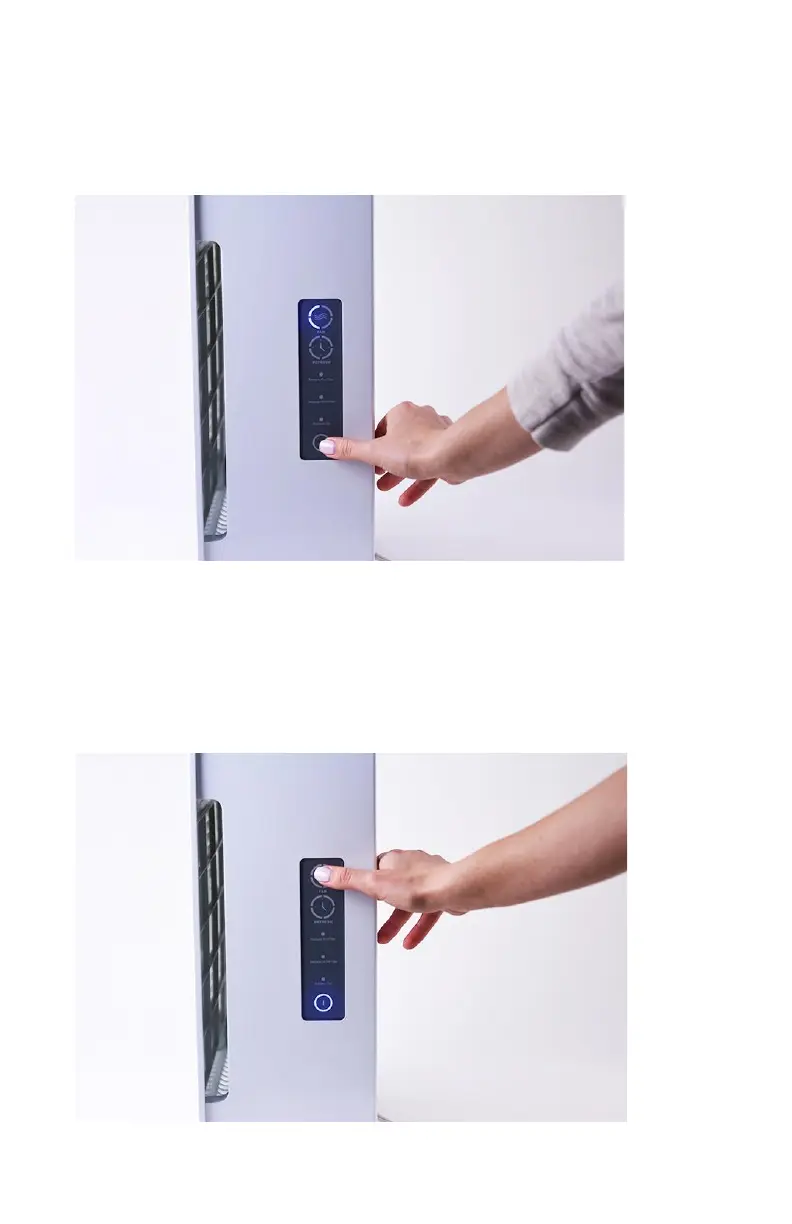
StepTwo:Turntheunitonbypressingthepowerbuttononthe
controlpanellocatedonthesideoftheunitoralternativelyusethe
powerbuttonontheremotecontrol.
StepThree:Adjustingthefanspeed.Thefanhas4
settings/speeds.Pressingthefanbuttononthecontrolpanelor
remotewillallowyoutocyclethrougheachspeed.
Increasingthefanspeedwillprovidemorepurification.Adjustthe
fanspeedaccordingtothecontaminationandsizeoftheroom.
©2014PURADIGM 13


 To Next Page