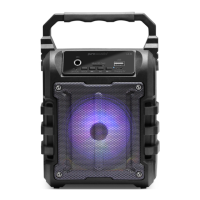
USING THE FM Radio Function from the Speaker
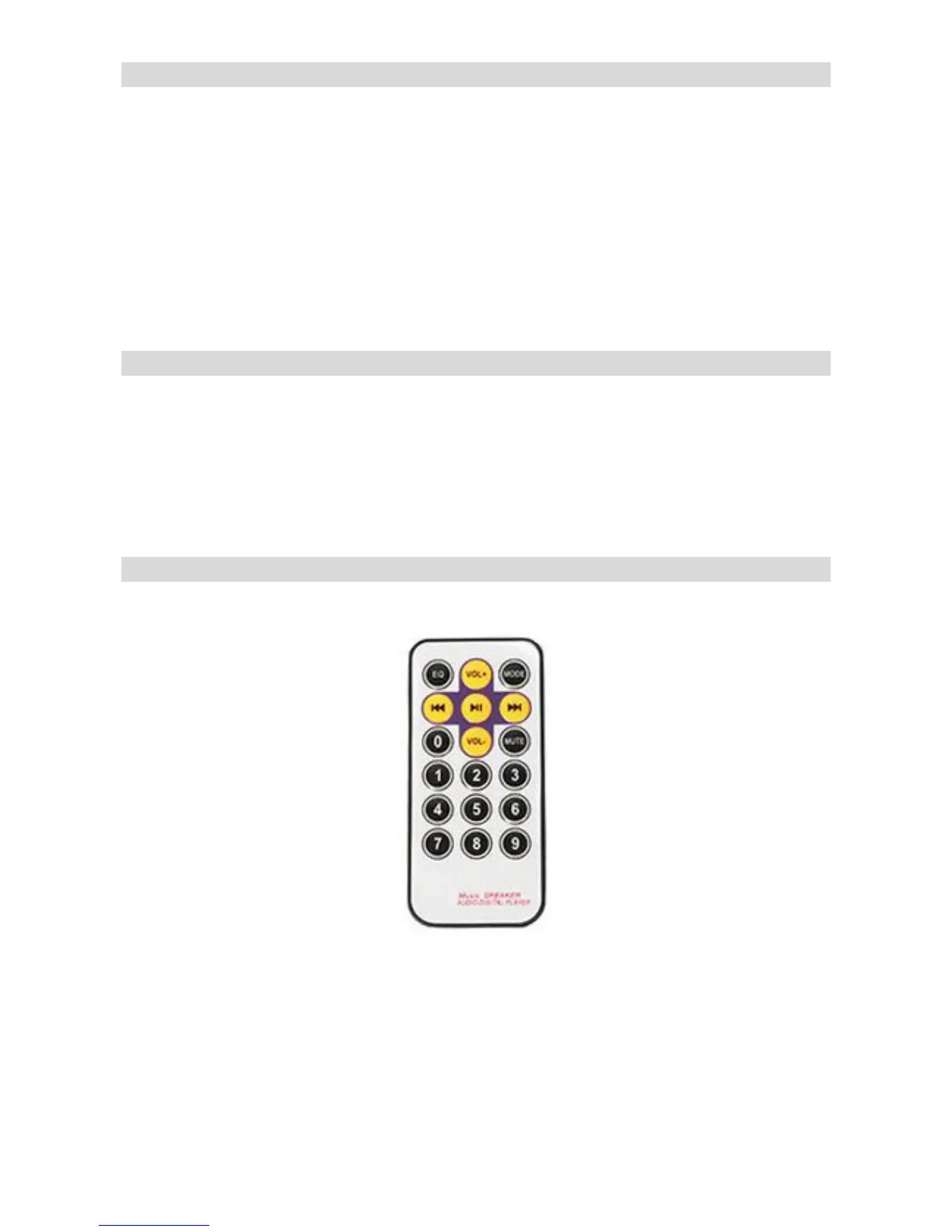
1. Press the Mode button on the speaker unit or Remote Control to receive FM Frequency.
2. Press & hold (2-3 seconds) the PLAY/ PAUSE button on the unit to auto scan and the unit will
store the frequencies with strong signal reception into the preset stations.
Use PREV/VOL - & NEXT/VOL + buttons to switch between preset stations.
3. From the Remote Control, Press I 4 4 or V P | to switch between the preset stations.
4. To Tune into a specific frequency, please use the remote control number pad by directly
entering a frequency number.
Using a microphone
1. When using a Microphone — plug your microphone into one of the 2 microphone ports on the
front of the unit.
2. Use the ROUND DIALS to control the Voice Level & Echo of the microphones.
3. For Karaoke use USB/SD/FM and for Mic solo use “Line in" selection in “Mode”.
REMOTE CONTROL
iPod®, iPhone® & iPad®, are registered Trademarks of Apple Computer Inc.
This product is not Designed, Manufactured or Distributed by Apple Computer Inc.
All other Trademarks & Trade Names belong to their respective owners.
Please keep this manual in a safe place for future reference.


 To Previous Page
 Loading...