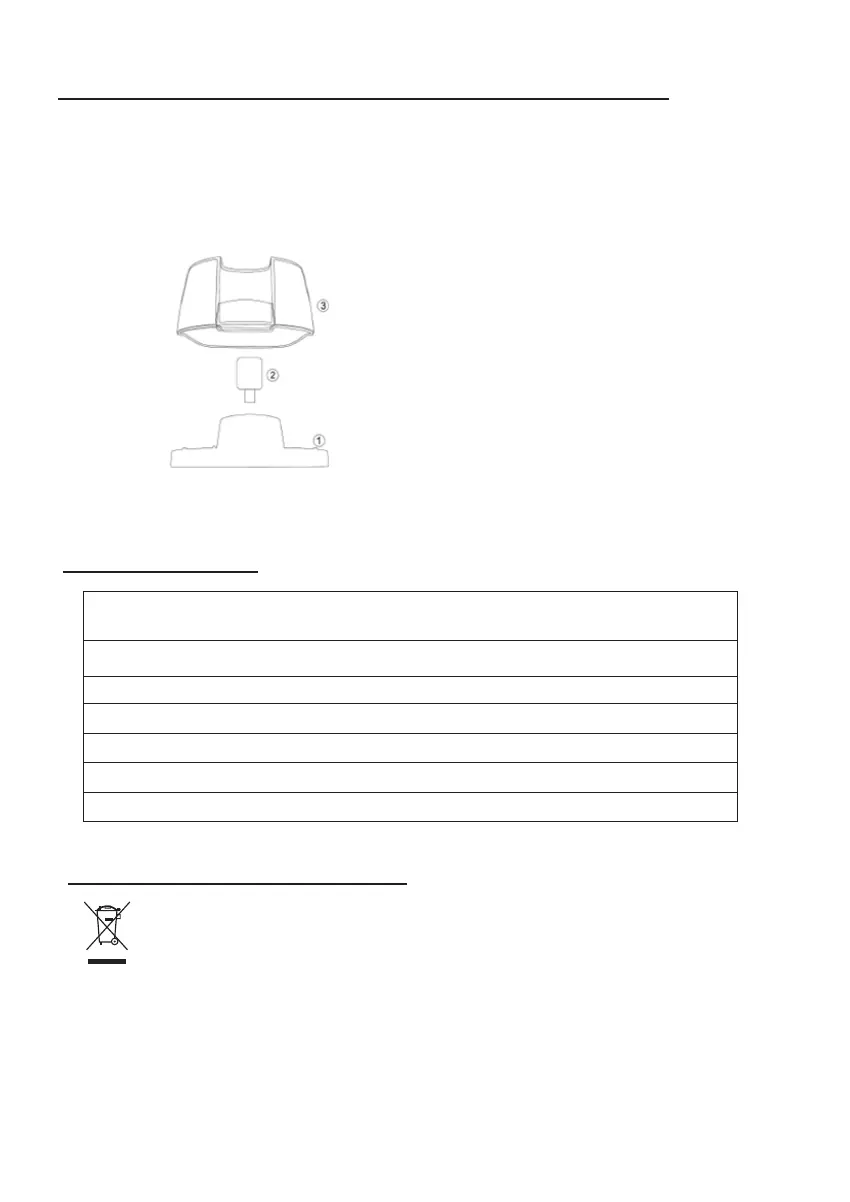
After cleaning your water tank,
- Turn the tank cover over and place it on a flat surface.
- Insert the float into the cover’s aperture.
- Place the water tank over the cover, and press in smoothly.
- Replace water tank into Dehumidifier.
HOW TO (RE)INSTALL YOUR WATER TANK COVER
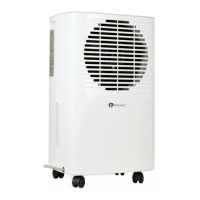
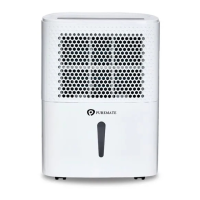
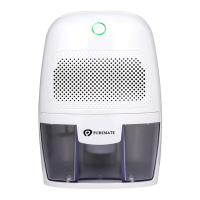
SPECIFICATION
English | 3
At the end of the product life cycle, you should not throw this machine
into the normal household garbage but ring the product to a collection
point for the recycling of electrical and electronic equipment.
DISPOSAL OF THIS DEVICE
Power Supply: Input 100-240V,50/60Hz,
Output :9V DC / 3A
Moisture Removal: 300ml/24hr (under test condition 30°C, 85%)
Cooling element: Thermo-electric Peltier module
Water Tank Volume: 600ml
Product dimension: 15.4 x 21.8 x 13 cm
Item Weight: 1.1 Kg
Auto Shutoff: Yes


 To Previous Page