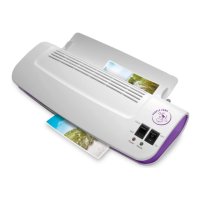
Hot & Cold
9” Laminator
3016C
Instruction Guide
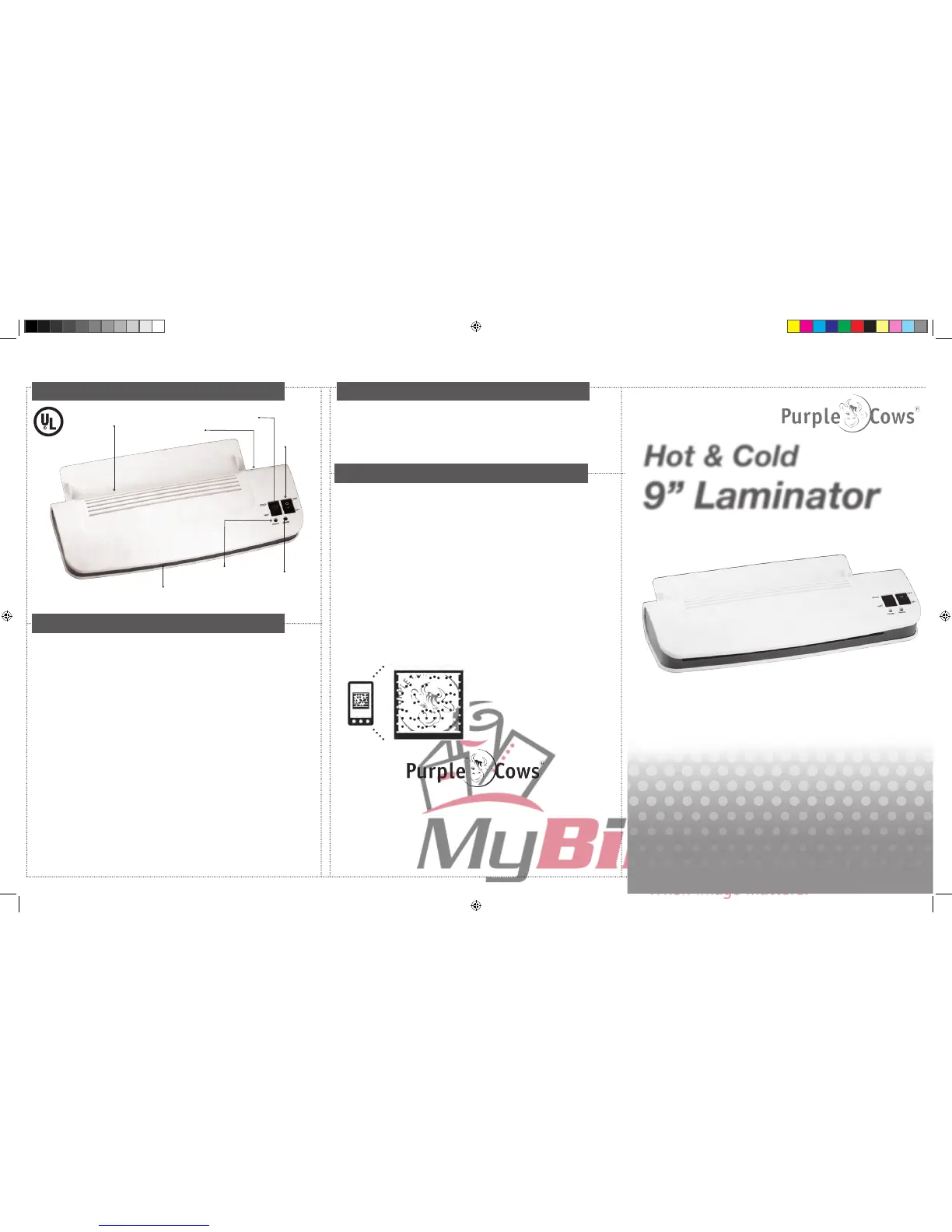
ON/OFF
Switch
HOT/COLD
Switch
Power Light
(Red)
Standby
Indicator
(Green)
Pocket feed
(IN)
Pocket feed
(OUT)
Anti-blockage
system
Quick Start for Hot Laminating
Applications
Anti-Blocking System (ABS)
This hot laminator is guaranteed against defects in manufacturing and
workmanship for one year from the date of purchase. Designed
exclusively for Purple Cows. If problems occur please contact our ofce.
Purple Cows is not responsible for damage to documents, projects, or
other materials that results from laminating.
Certain legal documents may be void if laminated. DO NOT laminate
original copies of birth certicates, marriage licenses, etc. Instead, make
photocopies of important legal documents for laminating.
Purple Cows is a registered trademark of Purple Cows Incorporated © 2011
Purple Cows Inc.
3210 North Canyon Rd. Suite 307
Provo, UT 84604
ph/fax: 877-386-8264
www.purplecows.net
Plug in and turn on laminator.
Insert document into pocket (included pockets are 3 mil.).
Insert the pocket, closed edge rst, into the feed slot (IN) at the back of the
laminator.
After use, switch the laminator off, then always remove the plug from the
electrical outlet. The laminator should be placed near the outlet and the plug
should be easily accessible.
All popular brands of laminating pockets available at ofce supply stores can
be used with your laminator. Purple Cows Hot Pockets are available at all
Hobby Lobby locations, Joanns.com, and on our website at www.purplecows.
net.
Quick tip: When laminating very thin projects like newspaper or tissue paper,
insert your project in the pocket and place the pocket in between two sheets
of paper; then feed it through the machine. This will help prevent jamming
and curling.
If you experience technical difculties with your laminator, please do not
return it to Costco. Instead, do one of the following:
• Call our toll-free customer service line at 877-386-8264
• Contact us on the web at www.purplecows.net
• Email us directly at information@purplecows.net. Be sure to
include information about the problem, your name, phone
number, and address so we can get back to you.
1.
2.
3.
4.
5.
6.
7.
•Download the free mobile app at
gettag.mobi
•Take a photo of this tag with your
smartphone
IMPORTANT NOTE: If you experience any technical
difculties with your laminator, please do not return
it to Costco. Instead, please contact Purple Cows at
877-386-8264.
For tips & tricks, videos, projects, and additional information about your
laminator, use your smartphone to scan this Microsoft
®
tag -
More Information
The laminator is equipped with an Anti-Blocking System. If you have not
inserted the pouch straight, or it jams in the machine, slide the switch to
the ABS setting. You can then take the laminating pouch and its
contents out of the machine and reinsert the document in a new pouch
into the feed slot.


 To Next Page
 Loading...