6.7 XTERNA Stats menu
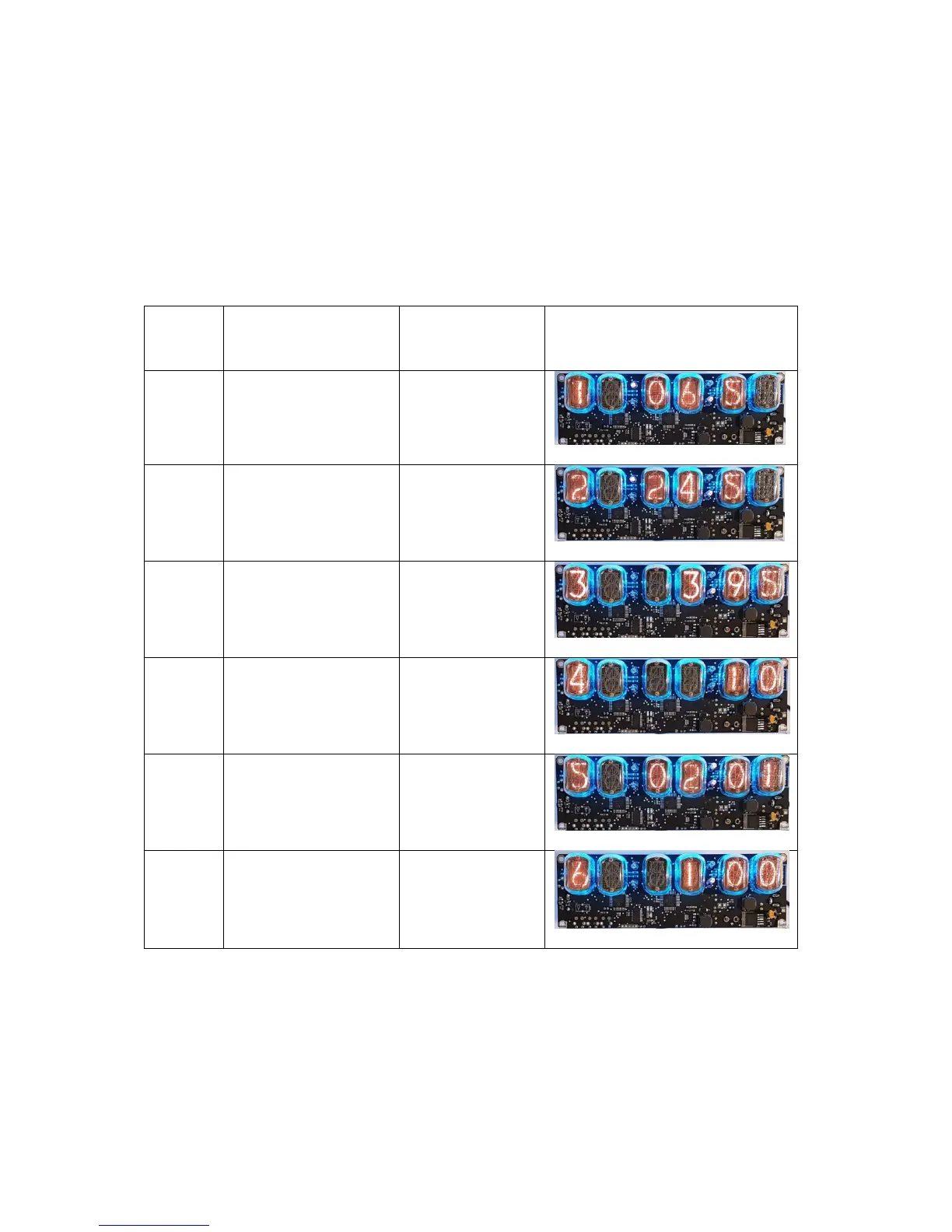
The Stats menu is accessible only if relevant XTERNA data has
been received. From time display, press ADJ to enter the Stats
Menu. Six items of data are displayed in sequence, stepped
through by pressing the ADJ button sequentially, and finally exiting
back to time display. Please see the table below.
Stats
Menu
Item
Description Range of
Values
Example


 To Next Page
 Loading...