7.2 Setting auto colour cycling
Setting colour RED to value 9 has a special meaning:
This will enable auto colour cycling for the specified hour. The
speed of the cycling will then be governed by the GREEN value:
0 = very slow change
9 = very fast change
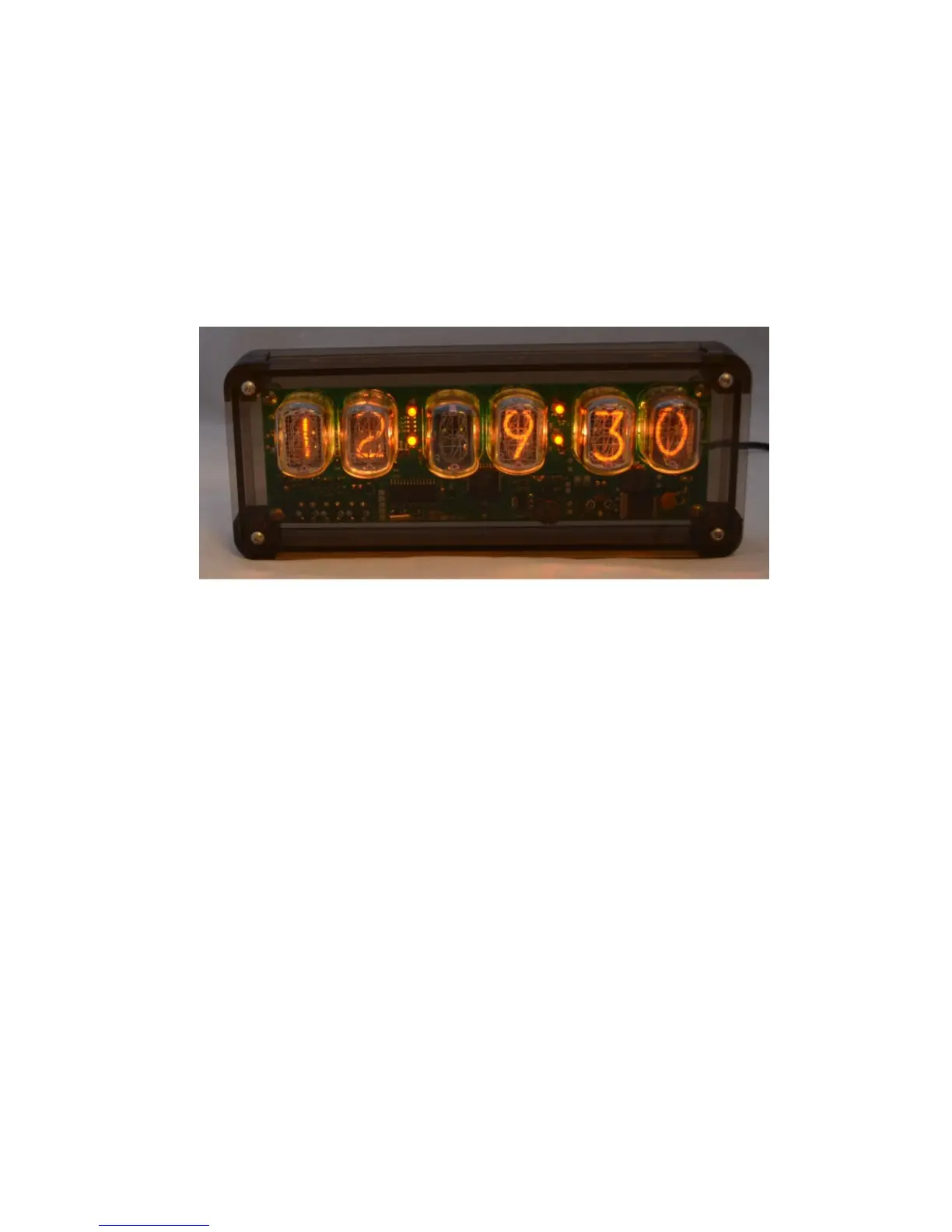
This auto colour cycling mode is explained in the picture below:
Red = 9, therefore Auto Colour Cycling is enabled for 12-13 hours.
Green = 3, so speed is 3.
Blue value has no effect.
Note: The colours do not cycle live during Auto Colour Cycling
setup. The cycling starts only during normal time and date display.



 To Next Page