ww w.PyleUSA.com
7
WIRELESS BT OPERATION
1. Turn ON the machine and press the MODE on unit, or the BT on remote
control to select the BT function, the display shows "BLUE".
2. In the BT mode, the system automatically enters search mode.
3. Activate the Wireless BT feature on the external device to be coupled.
4. Initiate a search for devices. The device shows up as "PYLEUSA".
5. Press the PLAY button on the unit or the key on remote control, to start
playing and the buttons NEXT and PREV, or the keys and for the
selection of songs.
CHARGING INSTRUCTIONS
1. This speaker has a high capacity 7.4V battery. Please connect to AC port
with the power adapter to charge. The speaker has an indicator light that
will illuminate when the speaker is on charge. When the speaker is fully
charged, the indicator light will o. It takes around 6 -8 hours to fully charge
the speakers. Disconnect power adapter as soon as battery is fully charged.
Note: Over charging will damage the battery.
2. Please fully charge the speakers if they are not used in a long time.
Please charge the speakers every 2 months, otherwise the battery may get
damaged.
Note: When the battery of the speaker is low, please charge it within 48
hours.
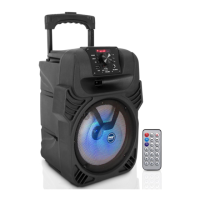
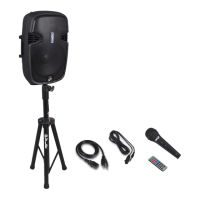
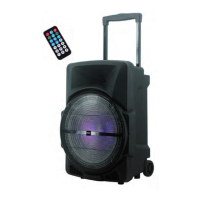
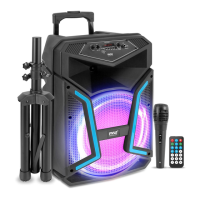
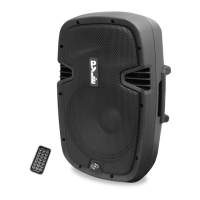
WHAT'S IN THE BOX:
•
Speaker System
• Remote Control
• Power Adapter
TROUBLESHOOTING
Users may try to solve common problems by following these guidelines.
If the problem persists and can't be solved, please contact Customer
Service for assistance.


 To Next Page