8
Ajust volume level and sound effect
To adjust the volume
Turn the VOLUME LEVEL CONTROL to adjust the volume of the speaker.
Control the echo
Turn the ECHO LEVEL CONTROL to adjust the echo effect.
Control the bass and treble effect
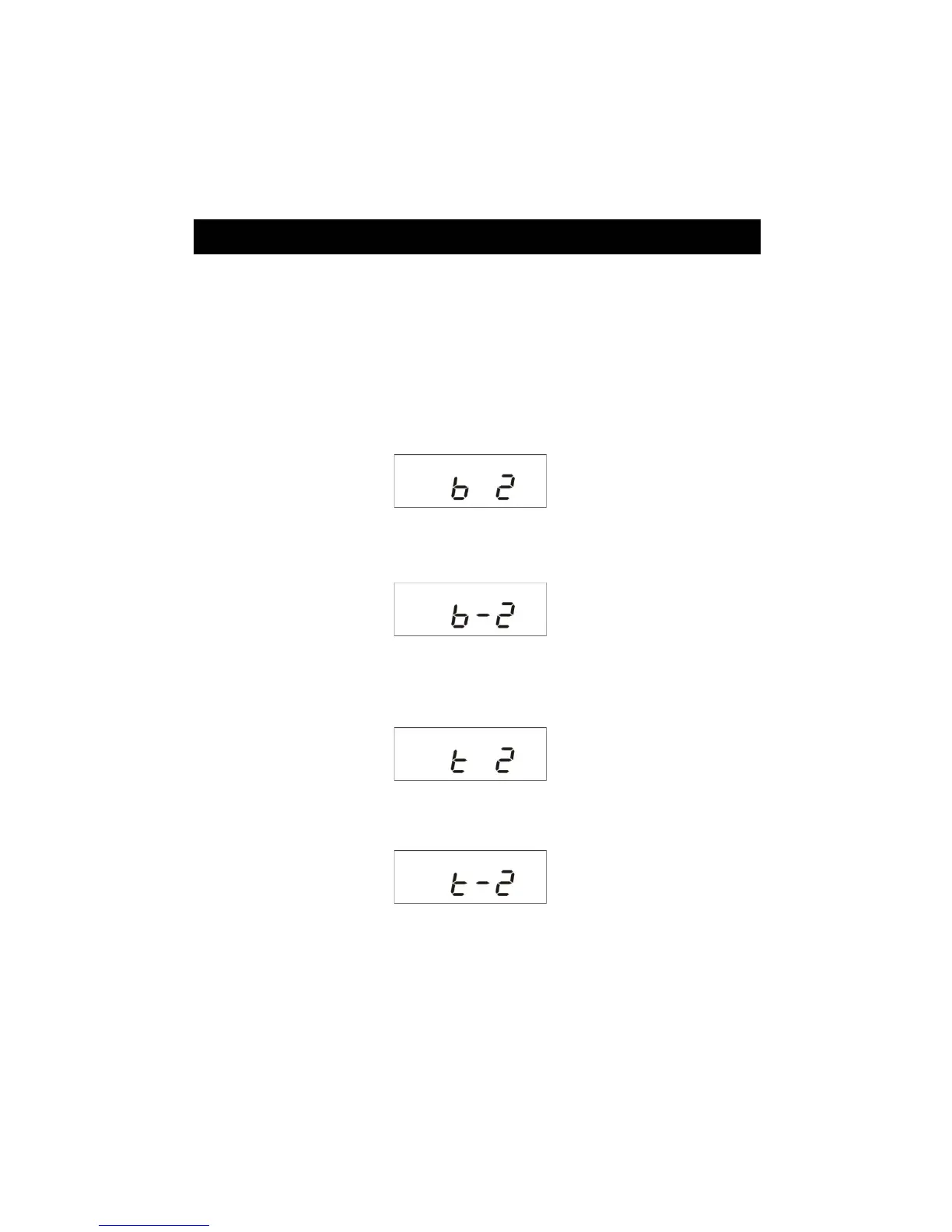
1. Press the EQ/FD button to select the bass effect, then press / + to increase bass
effect (F9).
F9
2. Press /-to decrease bass effect (F10).
F10
3. Press the EQ/FD button again to select the treble effect, then press / + to
increase treble effect (F11).
F11
4. Press /-to decrease treble effect (F12).
F12
ġ


 To Next Page