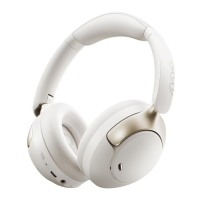
Press and hold
for 2s to power on
For better using experience,please scan
to download QCY app before start-up.
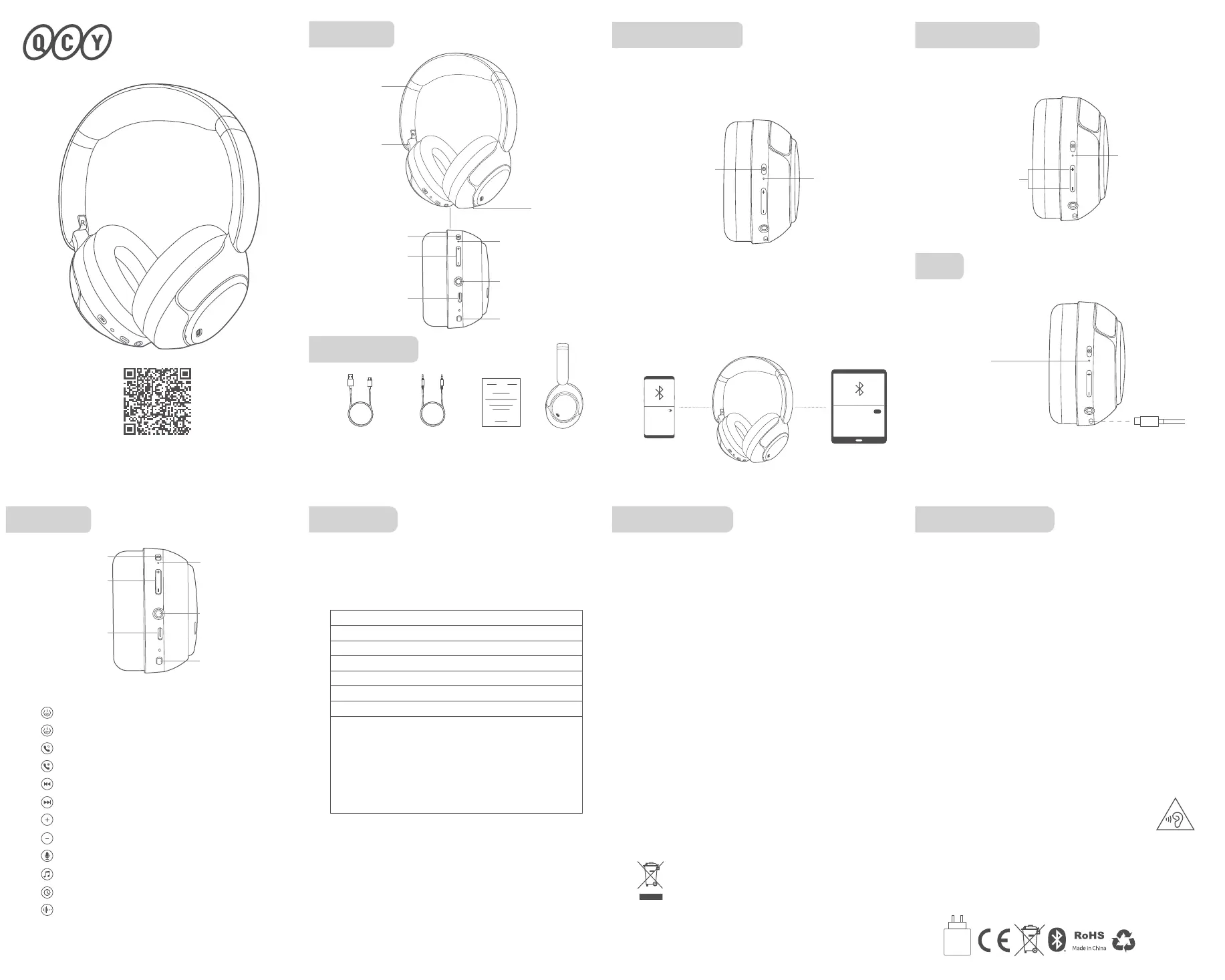
Overview
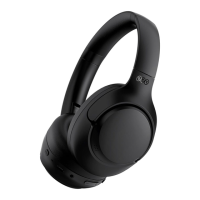
The picture is only for reference, please make the object as
the standard.
Connect headphones to Device A then turn o its Bluetooth and the
headphones will auto turn connectable(LED blinks red and white).
On Device B, search for QCY H3 Pro and tap to connect. Once again
turn on Bluetooth on Device A and connect it to the headphones.
Multi-Point Connection
How to Connect
Power on headphones and it will auto turn connectable. On phone,
search for QCY H3 Pro and tap to connect.(It will auto reconnect to the
last device in connectivity record, if any. If you need to make it
connectable again, power it o and press and hold MFB for 4s.)
Solid red when charged
Solid white when topped up
ANC Button
ANC Button
Type-C Port
Type-C Port
3.5mm AUX
Audio Port
3.5mm AUX
Audio Port
Adjustable
Slider
Folding
Bracket
LED
Factory Setting
Power on headphones, press and hold both volume + and - for 10s
or until LED blinks red 3 times to reset it factory. It will then auto turn
connectable.
Press and hold
for 10s
LED blinks
red 3 times
LED
Functions
MFB
MFB
Vol +/-
Vol +/-
LED
LED
Bluetooth
Bluetooth
Connect to computer
or adapter(5V 1A)
Feedforward
Mic
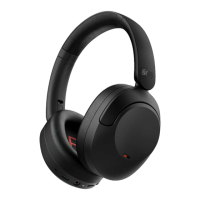
QCY H3 Pro
Bluetooth Noise
Cancelling Headphones
Warranty
Comments:
Model Number:
Date of Purchasing:
User's Name:
User's Phone:
User's Address:
Shop's Name:
Shop's Address:
Your QCY product purchase is covered by a one-year limited
manufacturer warranty from the date of delivery. Please ensure
you retain your purchase receipt. If any defects occur due to
quality issues within the warranty period, kindly bring both the
warranty card and the purchase receipt to the authorized dealer
for complimentary replacement services.
The manufacturer's warranty is void under the following
circumstances but not limited to:
• Improper or inadequate maintenance or modification.
• Accident, misuse, abuse, contamination, or other external
causes.
• The use of unspecified adapter and accessories.
• Malfunctions or damages resulting from natural disasters,
earthquakes, lightning, abnormal voltage, or environmental
factors.
• Damages that occur as a result of one's failure to follow the
instructions.
Packaging List
ANC
Audio Cable
Charging Cable User Manual Headphones
LED turns on
white for 1s
ANC
(It's disabled by default and needs enabling on QCY APP)
(When ANC is ON,double press ANC Button to turn on/o Adaptive ANC)
FCC Statement
Manufacturer: Dongguan Hele Electronics Co., Ltd.
Address: No. 325 Yuehui Rd. Daojiao Town Dongguan City
Guangdong Province China
Safety Precautions
This marking indicates that this product should not
be disposed with other household wastes through-
out the EU. To prevent possible harm to the
environment or human health from uncontrolled
waste disposal, recycle it responsibly to promote
the sustainable reuse of material resources. To
return your used device, please use the return and
collection systems or contact the retailer where the
product was purchased. They can take this product
for environmental safe recycling.
Notice:
1. Please carefully read and retain this user manual before using the
product.
2. If the product is not used for an extended period (more than 2 weeks),
please recharge it.
3. You must choose a charger produced by a legitimate manufacturer and
certified by the national safety authority.
4. If your phone cannot detect the Bluetooth earbuds, either re-enter
pairing mode or perform a factory reset on the Bluetooth earbuds. If there
is a phone program error, close and reopen Bluetooth on the phone or
restart the phone.
5. Do not disassemble or modify the battery, insert foreign objects,
expose it to high temperatures, or immerse it in water or other liquids to
prevent battery leakage, overheating, ignition, or explosion. Battery
replacement should only be done by the manufacturer.
6. Do not drop, crush, or puncture the battery. Prevent external pressure
that may lead to internal short circuits and overheating.
7. Do not dismantle or modify the earbuds for any reason, as it may result
in fire, electronic breakdown, or permanent damage to the product.
8. Do not expose the product to extremely low or high temperatures
(below 0°C or above 45°C).
9. Do not the product indicator light near the eyes of children or animals.
10. Do not use the product during thunderstorms, as it may cause
abnormal operation and increase the risk of electric shock.
11. Do not use oil or other volatile liquids to clean the product.
12. please do not use this device for long periods
of time and at high volume, as there is a risk of
hearing damage.
This equipment has been tested and found to comply with the limits for a
Class B digital device, pursuant to Part 15 of the FCC Rules. These limits are
designed to provide reasonable protection against harmful interference in a
residential installation. This equipment generates uses and can radiate radio
frequency energy and, if not installed and used in accordance with the
instructions, may cause harmful interference to radio communications.
However, there is no guarantee that interference will not occur in a particular
installation. If this equipment does cause harmful interference to radio or
television reception, which can be determined by turning the equipment o
and on, the user is encouraged to try to correct the interference by one or
more of the following measures:
--Reorient or relocate the receiving antenna.
--Increase the separation between the equipment and receiver.
--Connect the equipment into an outlet on a circuit dierent from that to which
the receiver is connected.
--Consult the dealer or an experienced radio/TV technician for help.
This device complies with part 15 of the FCC Rules. Operation is subject to the
following two conditions:
(1)This device may not cause harmful interference, and (2)this device must
accept any interference received, including interference that may cause
undesired operation.
Changes or modifications not expressly approved by the party responsible for
compliance could void the user's authority to operate the equipment.
FCC ID:
RDR-BH24H3B
Wireless frequency: 2.402~2.480GHz RF power of
transmission: <4dBi
the power delivered by the charger must be between min 2 Watts
required by the radio equipment, and max 5 Watts in order to achieve the
maximum charging speed
2-5
W


 To Previous Page
 Loading...