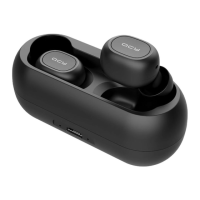
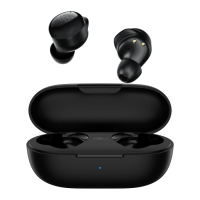
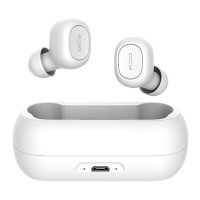
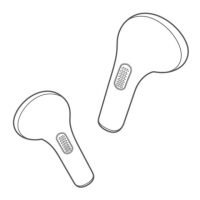
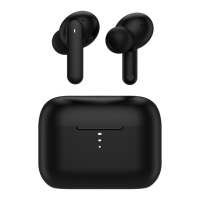
Pressure relief hole – in-ear sensor
Noise reduction of hold – Touch panel
LED / MIC / POGO Pins / Type-c USB Charging Port
QCY T11 Pairing
How to pair QCY T11
How to Connect First time connectivity:
1. Open the case and take two QCY T11 earbuds out, the earbuds will auto power-on
and pair with each other, ready for pairing with each other
2. On cellphone, open the “Bluetooth” function, search for ” QCY-T11 ” and tap to
connect both QCY T11 earbuds to phone.
3. If connect steps success, the QCY T11 Pairing complete!
Switch connected device:
1 Turn off phone A’s Bluetooth faculty and earbuds will auto
disconnect and turn connectable.
2, On phone B, search for QCY-T11 and tap to connect
*Multi-point connection is not available and earbuds Will
auto reconnect to phone B upon powering up again


 To Next Page