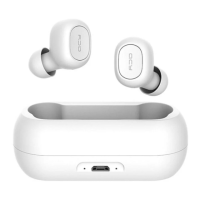
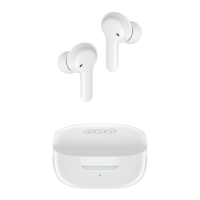
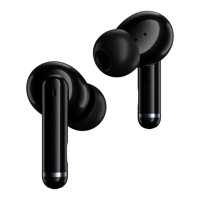
4
Connection
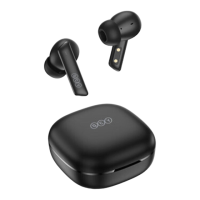
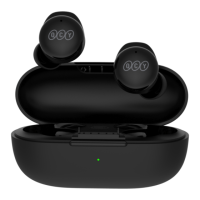
Open the lid to power on the earbuds. On your phone, search for QCY-T18 in your Bluetooth
settings and connect to them by tapping them. If you power them on again, they will
automatically reconnect to the last device in connectivity records, if any.
Switching Connection Between Two Devices
Put the earbuds back into the case, open the lid and keep pressing the charging case button
for four seconds or until LED on one earbud glows solid blue while the other blinks blue. On
your device, search for QCY-T18 and tap it to connect to it.
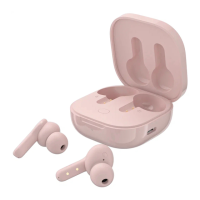
Open the lid at an angle
of a little bit more than
90 degrees to pick up
earbuds.


 To Next Page