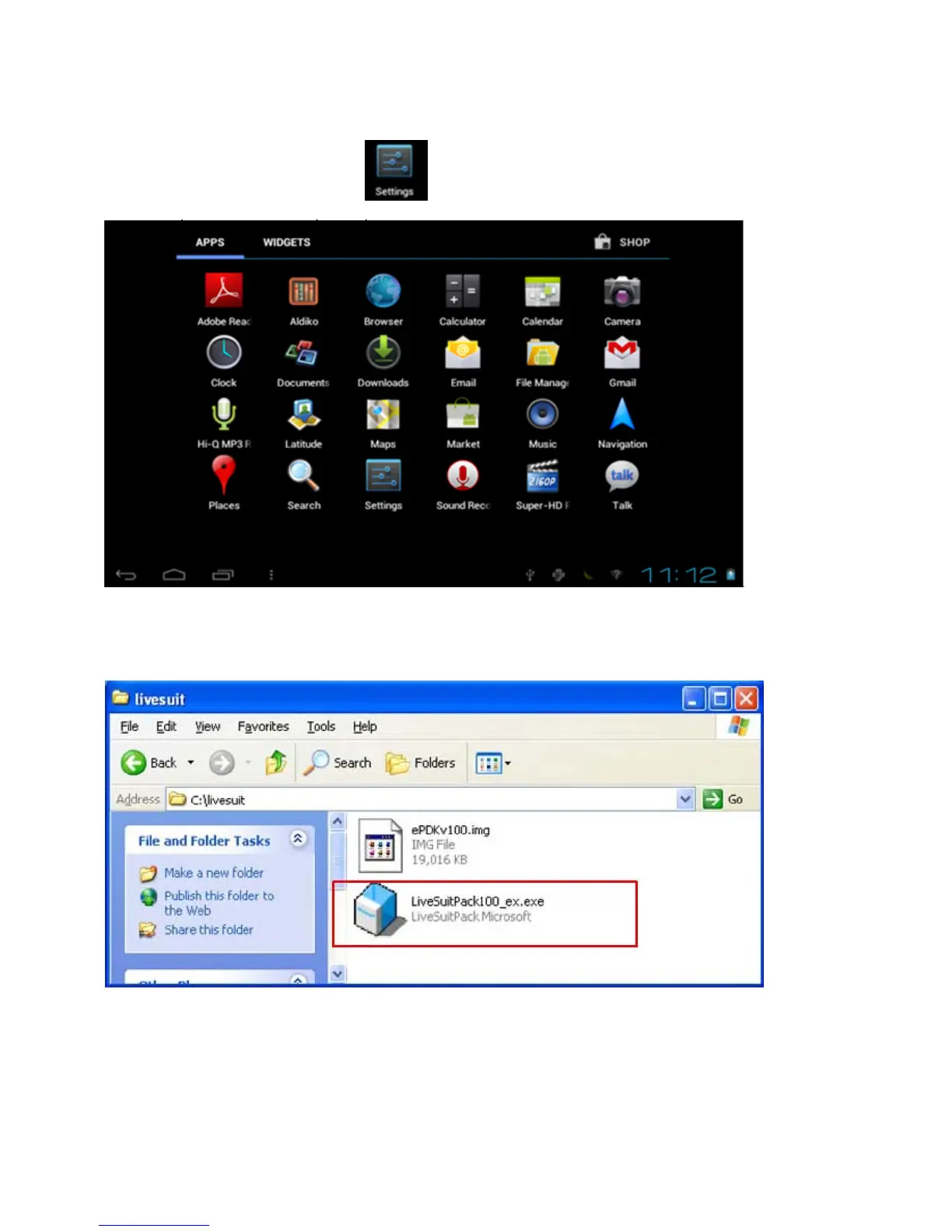
3.16 How to use bluetooth
If you want to contact bluetooth,click the “
”then click the on or off.
4.Installation of the update tool
1Steps:
1. Obtain LiveSuitPack100_ex.exe file first. Then locate it to direction “D:\test”. As followed picture.
2 Double click LiveSuitPack100_ex.exe, which will install LiveSuit software automatically at the current
directory, please see the picture followed:


 To Next Page