PAIRING THE IQ REMOTE WITH THE IQ PANEL 2
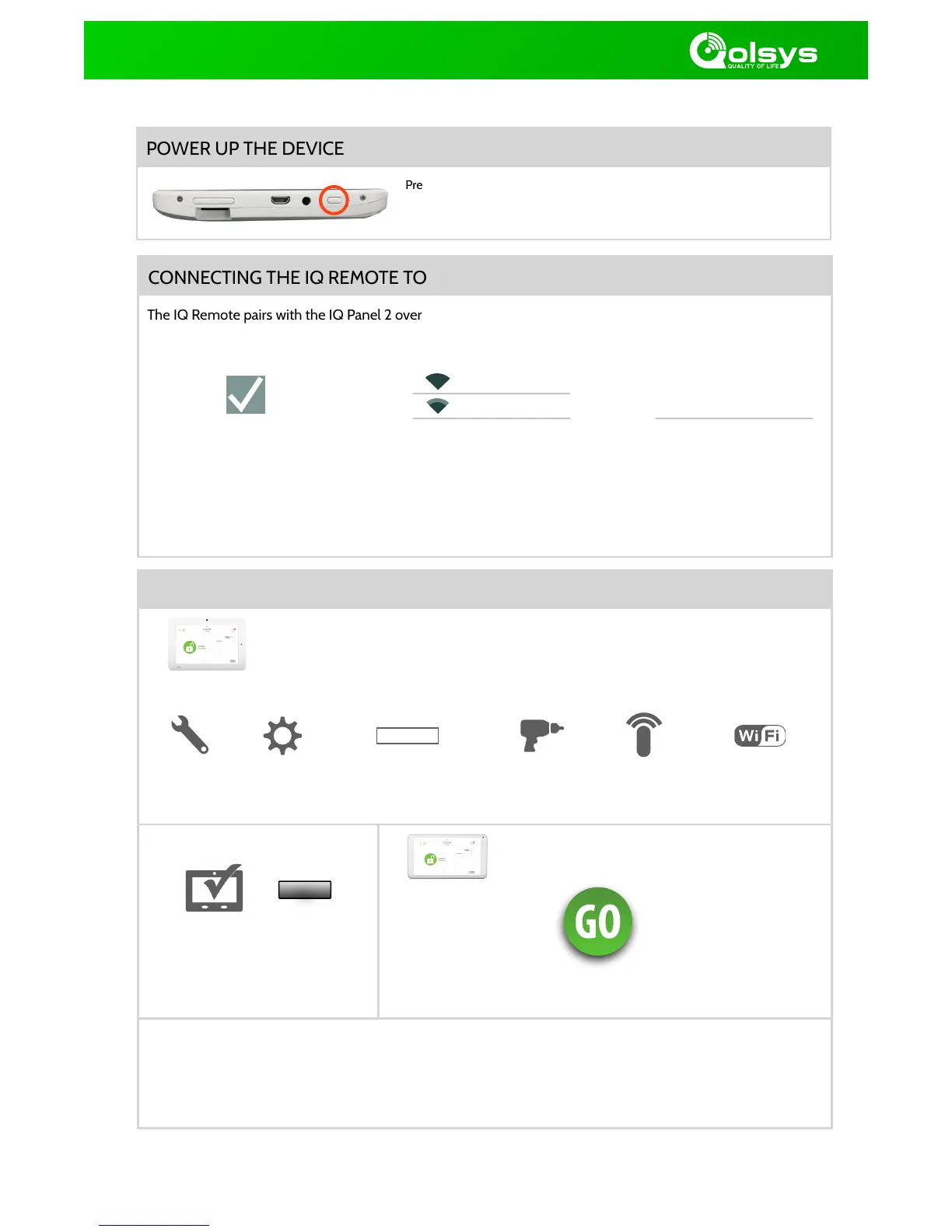
Perform the following steps on the IQ Panel 2 to pair an IQ Remote
Enter installer code
(default is 1111)
Touch “GO” on the IQ Remote to
pair with IQ Panel 2
The IQ Remote will take a moment to synchronize with the IQ Panel 2 over the network. Once complete it
will display the home screen. Allow up to 5 minutes for the IQ Remote to auto update to the current
software. To add additional IQ Remote tablets repeat steps above with up to three (3) total devices.
Touch “IQ
Remote
Devices”
Page of Qolsys Confidential and Proprietary.2 2
NEED HELP? (855) 4-QOLSYS TECHSUPPORT@QOLSYS.COM
CONNECTING THE IQ REMOTE TO WIFI
The IQ Remote pairs with the IQ Panel 2 over a secure WIFI Network (802.11 B, G, N) and must be connected to
the same network as the IQ Panel 2 before you can add it to the system. To connect to a secure WIFI:
IMPORTANT: Please check that the IQ Remote can successfully connect to the network in the chosen installation location
Select network from
available list.
Press and hold the power button until the screen illuminates (approx 3-5 sec)
Perform the following step on the IQ
Remote to pair with the IQ Panel 2
Touch
“Advanced
Settings”



 To Previous Page
 Loading...
