Type in code like “477454”,and type “ENTER” on bluetooth keyboard, then
iPad will connect the bluetooth keyboard.
Now, you can enjoy your Bluetooth keyboard.
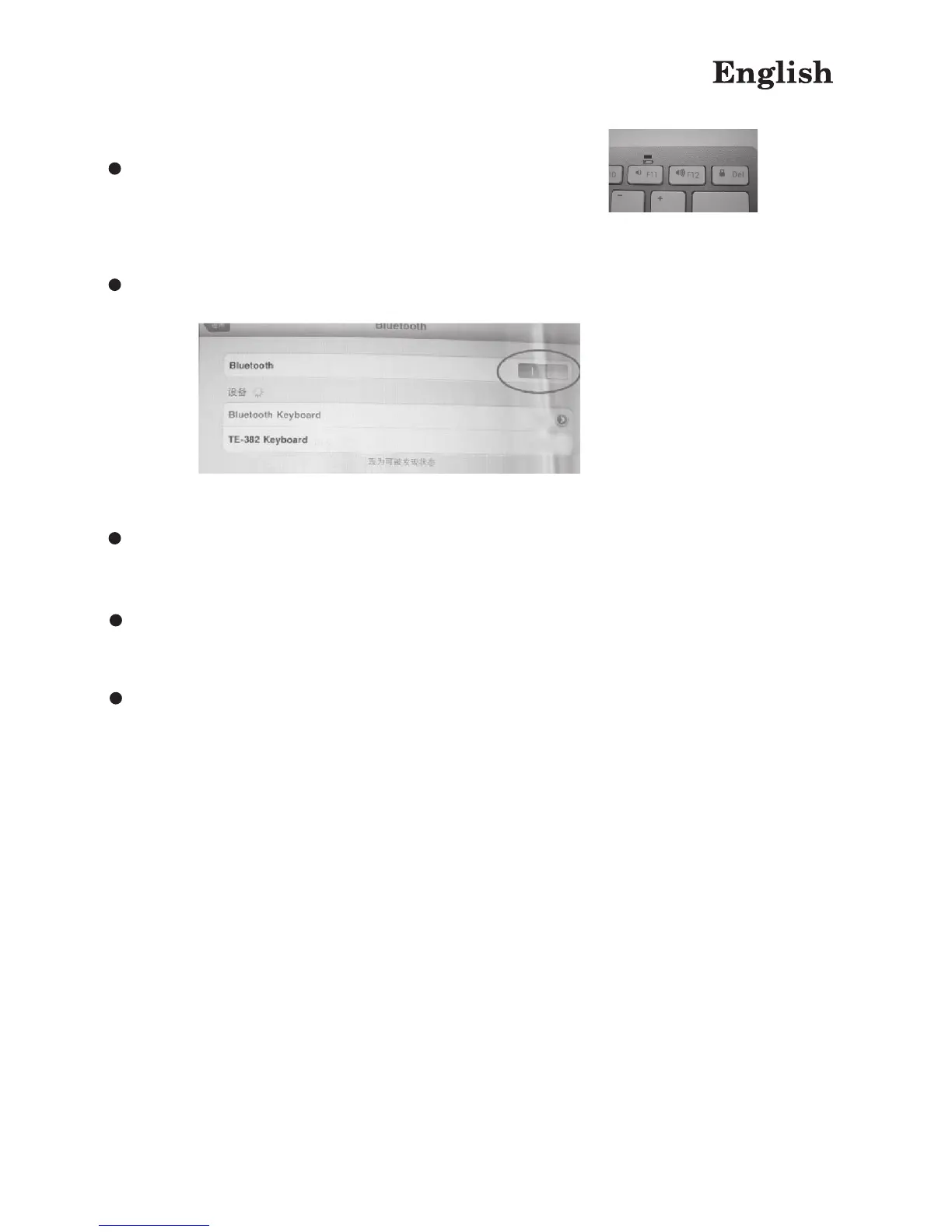
Then the light on the top will flash for minutes
Now iPad will find Bluetooth keyboard as below :
Tap “bluetooth keyboard”, iPad will ask you to input connection code, and
connection code will appear on screen



 To Next Page