Screen icons
1.HATCH OPEN
Pressing the “Open” button
will open the entry hatch
2. BUTTOn
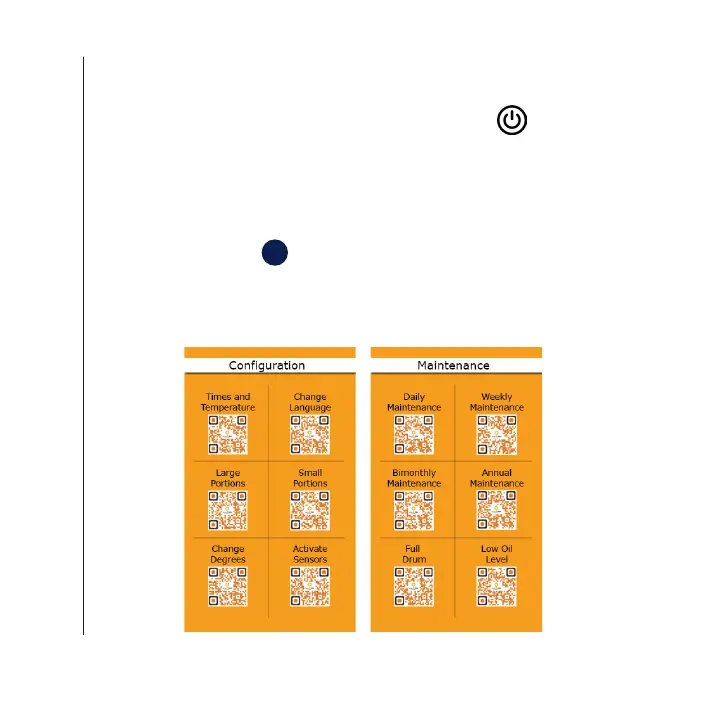
By pressing the button “i” for information, you will be able to access
the QR codes and see the help videos for sta on how to set and/or
carry out maintenance of your QUALITYFRY fryer.
3. Button
Pressing the “Power” button
once you have lled up with
the 5.5 L of oil, will activate the
heating element so that the oil
is heated.
Description of the equipment
i
36QUALIT YFRY 36QUALITYFRY


 To Next Page