EasyManua.ls Logo

Quatrosense Environmental QEL - User Manual

Default Icon
48 pages
Print Icon
To Next Page IconTo Next Page
Loading...
Q-Controller System Operation Manual - 1 -
86550-001-000 Rev B
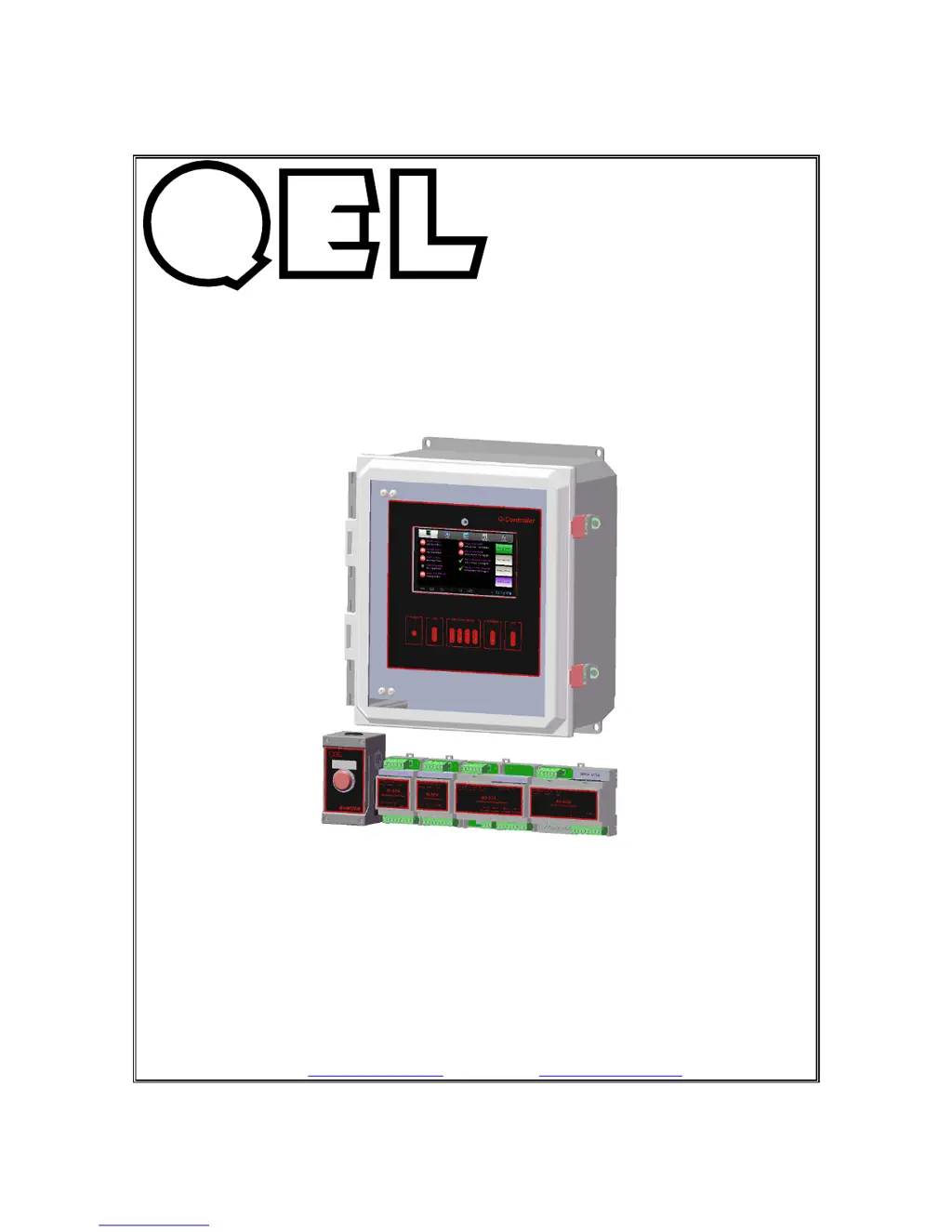
Q-CONTROLLER
MONITOR AND CONTROL SYSTEM
INSTALLATION
OPERATION AND MAINTENANCE
MANUAL
QUATROSENSE ENVIRONMENTAL LTD.
5935 OTTAWA STREET, PO BOX 749 RICHMOND, ONTARIO CANADA K0A
2Z0
PHONE: (613) 838-4005 FAX: (613) 838-4018
Web: www.QELsafety.com Email: QEL@QELsafety.com

Questions and Answers

  • W
    William TownsendAug 3, 2025
    What to do if my Quatrosense Environmental QEL Q-Controller reports 'Sensor Offline' or 'Relay Offline'?
    • E
      evansjillAug 3, 2025
      If your Q-Controller reports 'Sensor Offline' or 'Relay Offline', it could be due to several reasons: * Incorrect communication settings. * Faulty connection. * Remote device malfunction. * Improperly set end-of-line matching resistors. To resolve this, verify that the remote baud rate in the Q-Controller System Setting matches the baud rate in the Digital Sensor or M-Relay. Also, check the connection between the Q-Controller, Digital Sensor, and M-Relay, ensuring all devices are powered on and there are no shorts or opens in the wiring. Confirm the correct polarity for RS-485 connections (A-A and B-B). Examine remote devices and review the end-of-line resistor settings.
  • R
    rhunterAug 10, 2025
    How to fix a Quatrosense Environmental Gas Detectors LCD display that won't turn on?
    • E
      Erica HicksAug 10, 2025
      If the LCD display does not turn on, the possible causes are: no power supply, a problem with the LCD, or a program crash. To address this, check the power and ground connections. If the connections are fine, consider changing the LCD or reprogramming the device.
  • A
    Austin PonceAug 18, 2025
    Why are the RS-485 RX or TX LEDs constantly on in my Quatrosense Environmental Gas Detectors?
    • N
      nwilsonAug 18, 2025
      If the RS-485 RX or TX LED is constantly ON, this may be due to: a problem with the RS-485 bus connection, a damaged RS-485 Driver, or an issue with the RS-485 Driver on the remote device side. To troubleshoot, disconnect the cable to isolate the problem. If that doesn't work, replace the driver on the main board or replace the RS-485 Driver in the Remote Device.
  • M
    Matthew CollinsAug 26, 2025
    What to do if Quatrosense Environmental Gas Detectors Q-Controller reports 'Vote no Sensor!' or 'AV no Sensor!'?
    • C
      Charles TurnerAug 26, 2025
      If the Q-Controller reports 'Vote no Sensor!' or 'AV no Sensor!', it indicates that no sensor was assigned to the output (relay or analog output). To resolve this, assign a sensor to the output.

Summary

Glossary of Terms

RS-485 (EIA-485) Standard

Defines the electrical characteristics for digital communication links.

General System Overview

QEL Gas Monitoring System Components

Overview of remote sensors, inputs, outputs, and controller functions.

Q-Controller Capabilities and Connectivity

Details controller's capacity for sensors, inputs, outputs, and RS-485 ports.

Q-Series Modules and System Configuration

Lists AI-Box, AO-Box, BI-Box, BO-Box capabilities and module support.

Q-Controller Specifications

Power Supply and Fuse Specifications

Specifies voltage, current, and fuse details for the Q-Controller.

Enclosure, Environmental, and Panel Indicators

Details enclosure ratings, environmental conditions, and status LEDs.

Relays, Buzzer, Horn, and Communication Ports

Details buzzer specs, horn/strobe terminals, Modbus, and BACnet ports.

Q-Controller Installation

Type, Location, Method, and Positioning

Requirements for installation location, mounting method, and positioning.

Cabling and Connector Specifications

Guidelines for approved cabling, conduit, connectors, and wire gauge.

Mount Installation and Power Requirements

Recommended mounting height and nominal power supply voltage.

Power Supply Guidelines and Transformer Sizing

Best practices for power supply, grounding, and transformer selection.

RS-485 Installation and Termination

Details RS-485 standard, connections, termination, and cable shielding.

Cable Shielding and Grounding

Proper methods for cable shield grounding to prevent issues.

RS-485 Device Limits and Driver Replacement

RS-485 device limits per line and IC socket locations for driver replacement.

Q-Controller Functions

5.1 Initial Startup Procedure

Steps for powering up the unit and initial display behavior.

5.2 System Settings and Display Options

Accessing system settings, display options, and password management.

5.3 Device Setup Configuration

Configuring sensors, inputs, outputs, relays, and modules.

5.4 Module Address Setting

Instructions for setting module addresses using DIP switches.

5.5 Monitoring Mode Overview

Navigating to and interpreting the main monitoring screen interface.

5.6 Testing Mode Functionality

How to use the testing mode to verify output device functionality.

5.7 Datalogging and Event Logging

Viewing datalogged data in tables and graphic formats.

MODBUS Protocol Support

Troubleshooting Hints

WARRANTY STATEMENT

LIMITED LIABILITY Statement

Defines the limitations of QEL's liability regarding installation and operation.

Quatrosense Environmental QEL Specifications

General IconGeneral
Sensor TypeElectrochemical, Catalytic, Infrared, PID (depending on model)
Operating Temperature-20°C to 50°C
Operating Humidity15-95% RH non-condensing
CertificationsATEX, IECEx, UL, CSA (depending on model)
Power SupplyRechargeable battery or external power (depending on model)
Output Signal4-20mA, RS485 Modbus
DisplayLCD with backlight
AlarmsVisual, audible, and vibrating alarms
CommunicationRS485 Modbus
Target GasVarious, depending on sensor; O2, CO, H2S, LEL, CO2, NO2, SO2, NH3, VOCs, etc.