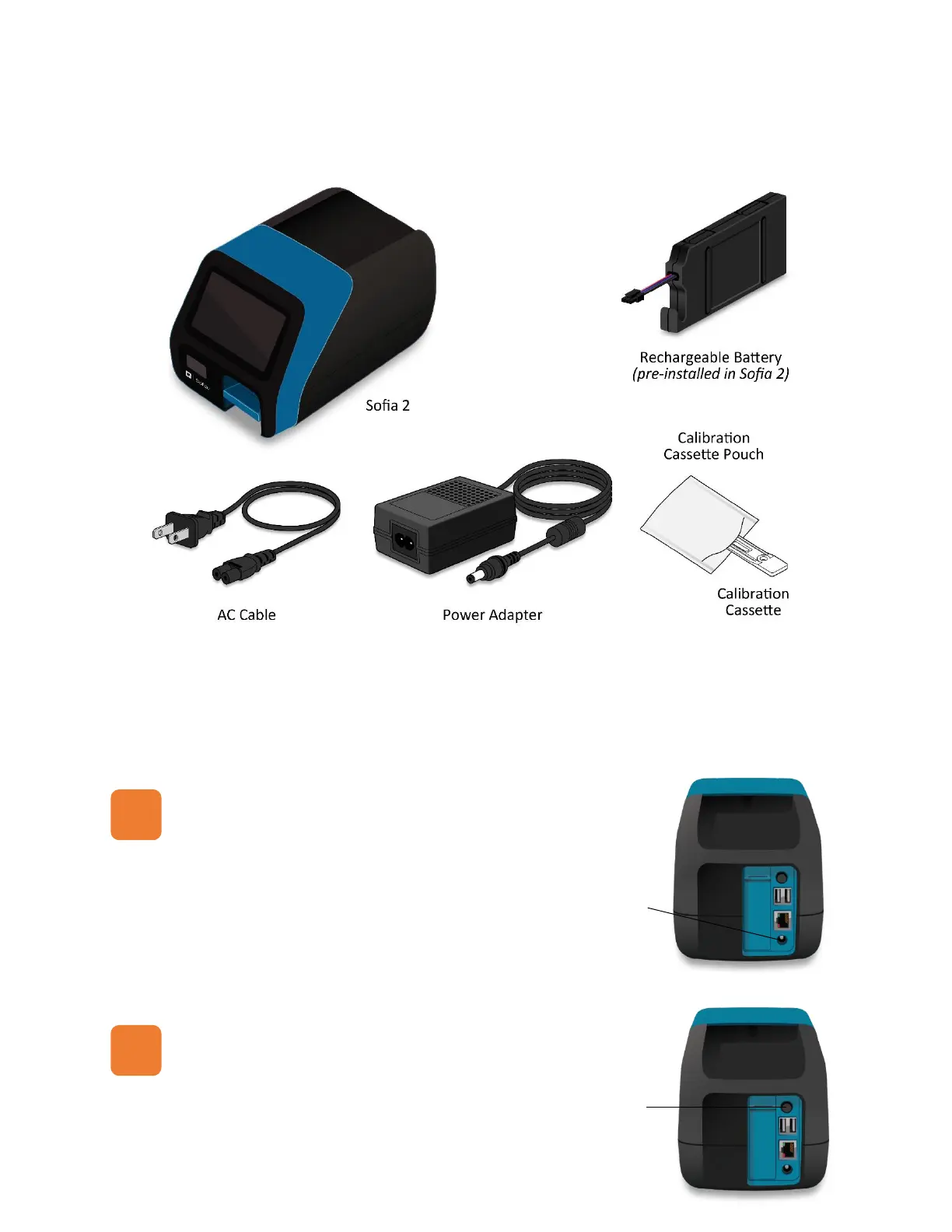
UNPACK SOFIA 2
Inspect the shipping container for obvious shipping damage prior to opening.
Unpack the shipping container and inspect the unit for damage.
CONNECT TO POWER AND TURN ON
Place Sofia 2 on the countertop within reach of an electrical outlet. The unit is portable and can be
moved to a suitable location for testing. If you wish to take advantage of the new “Connect to Quidel”
features, please ensure the Sofia 2 has access to Wi-Fi or an ethernet port (See page 3 for more details).
Plug the Power Adapter into the power port on the rear
panel of Sofia 2 and the appropriate electrical outlet.
Turn Sofia 2 on using the power switch located on the rear
panel. A Power-On Self-Test screen will appear on the front
display when Sofia 2 is turned on.



 To Next Page