1.5 Local Spot
1.6 Tide Alarm
1.7 Power-On Defaults
1.8 Boundary Conditions
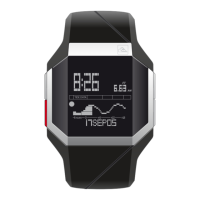
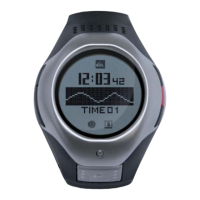
This function will be used to select a beach as local spot. Local
spot corresponds to the graph displayed at the bottom of the
display in time mode. QUICK TIDE function will display tide,
water height, Sunrise/Sunset information for this spot.
This function will help you to set up an alarm based on the tide
of your local spot. You can toggle the alarm ON/OFF pressing
(+) and (-) keys. Then select the tide of day you want the alarm
to based on and input a time difference if you want to be
alerted before or after the exact tide.
Custom Beach - <cleared>
Custom Beach Name - CUSTOM
Custom Beach Offset - 0min
Tide Alarm - OFF
Max # of custom beach name characters - 8 characters
Character set used: A,B,C,D,E,F,G,H,I,J,K,L,M,N,O,P,Q,R,S,
T,U,V,W,X,Y,Z,
0,1,2,3,4,5,6,7,8,9,<space>,’:’,’.’,’,’,’°’,’-‘,?’,’Ð’,’+‘
TIDE APP
20


 To Next Page