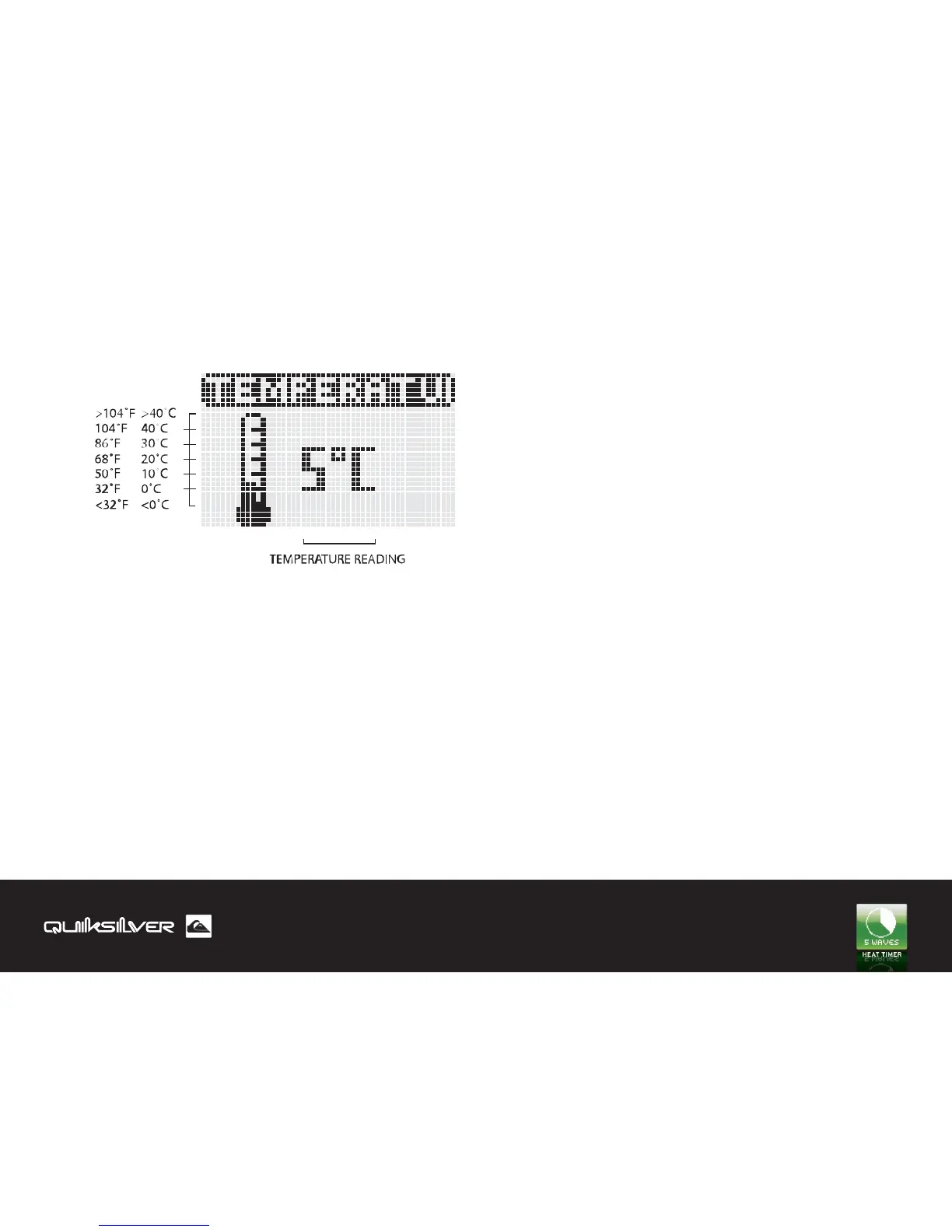
1.0 Display Map
1.1 Changing Temperature Unit
1.2 Power-On defaults
1.3 Boundary Conditions
Value -10°C to 60°C (14°F to 140°F)
Unit of Measure - see temperature entries at Settings App
You can toggle the unit of measurement between CELCIUS/
FAHRENHEIT pressing (+) and (-) keys, hold for 3 seconds, it
displays back the default unit of temperature set in the Set-
tings App.
Value - temperature sensor reading
Unit of Measure - see temperature entries at Settings App
TEMPERATURE APP
22


 To Next Page