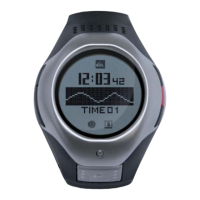
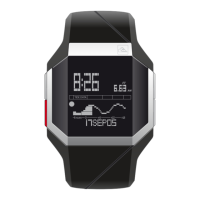
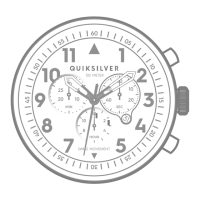
1.0 Set Timer 1.2 Notes
1.3 Power-On Defaults
1.4 Boundary Conditions
Timer Value - 00hr, 00min (reset state)
Wave Count - 0
Hour - 0 to 99
Minute - 0 to 59
Wave Count - 0 to 99
1.1 Heat Timer
HEAT TIMER APP
While in HEAT TIMER mode, press (-) key and select SET
TIMER, then use (+)/(-) to increase or decrease the flashing
digits.
Timer Menu SET TIMER option could only be set from 5:00 to
55:00 with an interval of 5:00 on each increment/decrement.
Press SET once complete.
Select BACK to go back to HEAT TIMER mode.
The SET TIMER option is only allowed when Heat Timer is
Reset
The BACK option simply exits the Heat Timer menu back to
the Heat Timer Default State. The user cannot stop a running
timer, but can simply reset it.
Press SET button to start the heat timer. You can use this
watch to count the number of waves you catch in your heat.
Press SET key to add waves to your counter. An audio signal
will be displayed at the last 5 minutes and last 30 seconds. A
long signal will be displayed at the end of the timer. When the
Timer is running, the progress bar will decrease in fill, from
right to left, until the Timer expires.
The Heat Timer cannot be stopped or exited from by pressing
any button unless if it is reset. You can reset the heat timer by
pressing on (+) key and selecting RESET function.
The surf heat timer was designed for surfing in contests, however you can also use
it for timing your sessions and counting the numbers of waves you catch.
26


 To Next Page
 Loading...