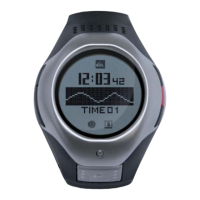
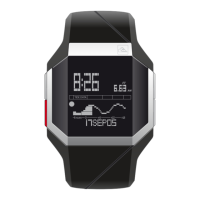
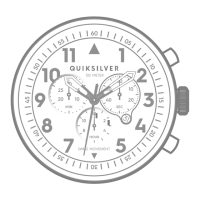
1.0 Time & Date
Finally, you can set the DST (Day Savings Time / Summer
time) per cities. Go into SET DST and you can toggle the DST
ON/OFF by pressing the SET key
Go into the time menu and set the 12 / 24h format. Then set
the time & and date using (+) / (-) and SET keys. Once the time
set up is done, go into LOCAL CITY menu to select your time
zone.
Time Zone City Name City Code Time Reference
1 London LON 0:00
2 Paris PAR 1:00
3 Cairo CAI 2:00
4 Moscow MCW 3:00
5 Dubai DXB 4:00
6 Aktyubinsk AKT 5:00
7 Almaty AMY 6:00
8 Bangkok BKK 7:00
9 Hong Kong HKG 8:00
10 Tokyo TYO 9:00
11 Brisbane BRI 10:00
12 Sydney SYD 11:00
SETTINGS APP
Time Zone City Name City Code Time Reference
13 Anadyr ANR 12:00
14 Wellington WLG 13:00
15 Honolulu HNL 14:00
16 Anchorage ANC 15:00
17 Los Angeles LOS 16:00
18 Denver DEN 17:00
19 Chicago CHI 18:00
20 New York NYC 19:00
21 Caracas CCS 20:00
22 Rio de Janeiro RIO 21:00
23 Fernando de Noronha FER 22:00
24 Praia PRA 3:00
In SETTINGS Menu, you will be able to set all parameters of your watch: Time & date, Tide layout, Units (metric / imperial),
Language, Tone & Sleep mode. A DOWNLOAD function will be used for downloading the tide date from a computer to your DEEP X.
32


 To Next Page
 Loading...