NORMAL
START
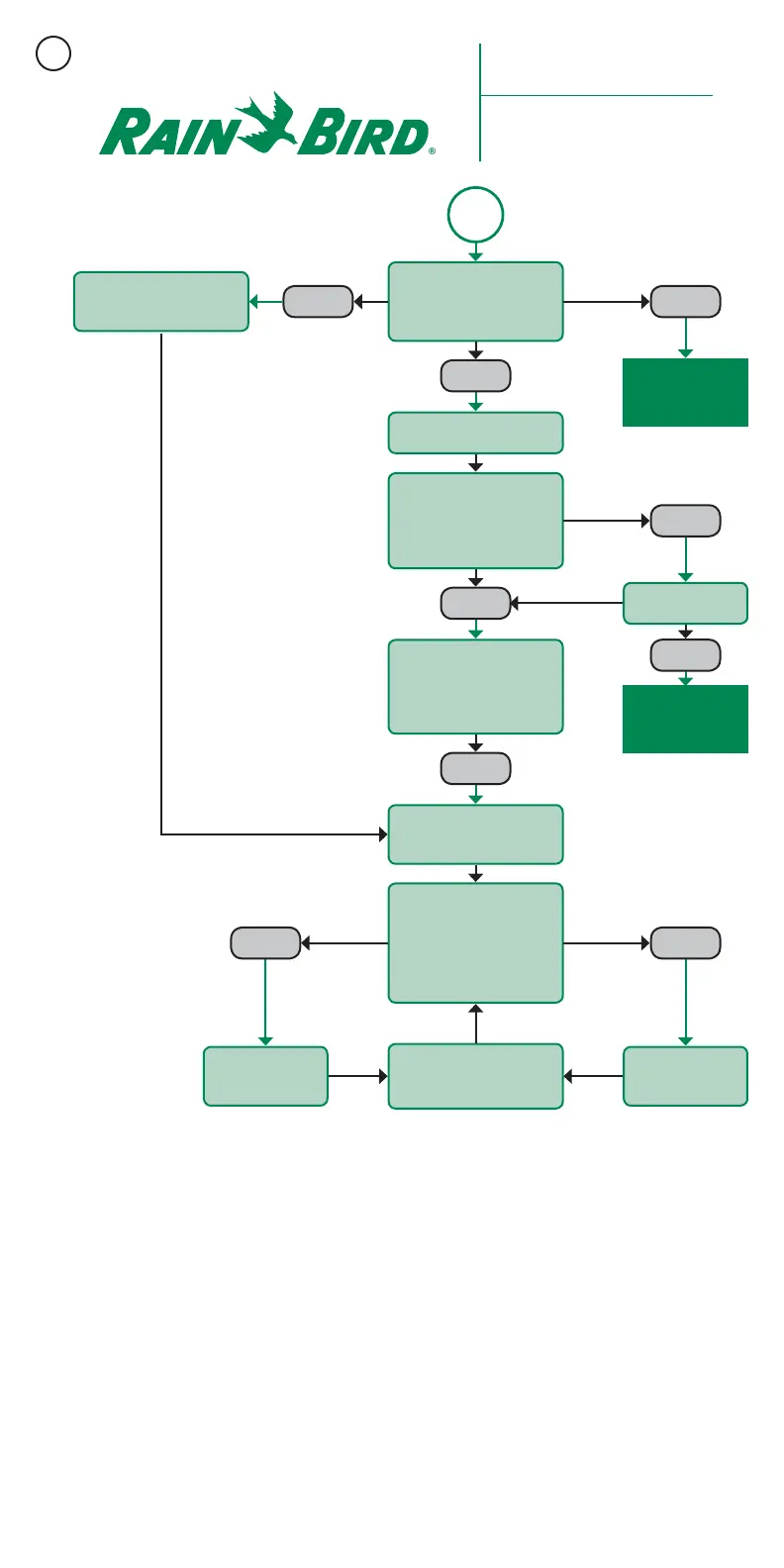
Open Decoder Diagnostics
in central control software.
Compare actual “at rest” current
draw to expected current draw.
Turn off all LDI field output wire
path slide switches.
Run ON/OFF test in Decoder
Diagnostic window of central
control software to locate
last passing decoder and first
failing decoder.
Activate 50/60Hz mode.
Use clampmeter to find
broken wire.
Break critical path wire loop (if
present). Choose point halfway out
on wire path. Using clampmeter,
check RED and BLACK wires
individually. Compare each value
to expected current draw.
Repeat to determine exact
location of broken wire or partial
connection (Bad Splice).
Turn on first wire path. Compare
expected actual “at rest” current
draw to expected current draw
in Decoder Diagnostic window in
central control software.
Compare stations and areas that
pass with stations and areas that
do not pass ON/OFF test.
Problem Unlikely a
Broken Wire Path
Problem Unlikely a
Broken Wire Path
Recommended Rain Bird
®
Troubleshooting Procedure for
“Suspected Broken
Wire Path”
LOW
No “As Built ”
LOW
GO TO FIELD
LOW
Good “As Built”
CURRENT = 0
NORMAL
NORMAL
LOW
Symptoms: Zeros in course log.
No response on parts of wire path
or partial connection (Bad Splice).
Repeat for each
wire path
Break is between
measurement point
and end of wire path.
Break is between
central control and
measurement point.
6


 To Next Page
 Loading...