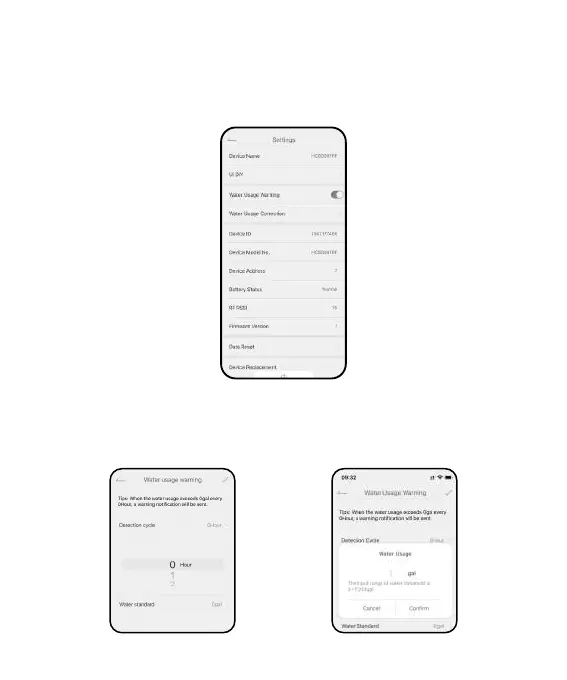
3.2 Basic Setting
Find the icon on the top right corner of the APP home page to"Settings"
page. In the basic settings, you can check and manage the device
information, such as name and inteace.
3.3 Special features
Water Usage Warning: Detect the water usage in hours and send a warning
notication if the water usage exceeds the standard.
- 07 -


 To Next Page