Manual-8
All features & specifications subject to change without notice. 106216
©Rane Corporation 10802 47th Ave. W., Mukilteo WA 98275-5098 USA TEL 425-355-6000 FAX 425-347-7757 WEB www.rane.com
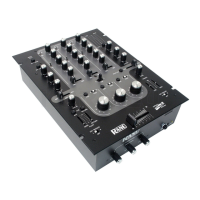
Empath Rotary Fader
Replacement
e main channel faders in the Rotary
Empath are sealed to prevent contamina-
tion. Cleaning is not possible, they must be
replaced if damaged. e pot is Rane part
#15422, and may be ordered from the Rane
factory within the U.S.A., or your distributor
outside the U.S.A. Follow these directions:
1. Required Tools: #1 Philips screwdriver,
small wrench.
2. Disconnect the power.
3. Remove knobs from controls covered by
the lower Lexan faceplate.
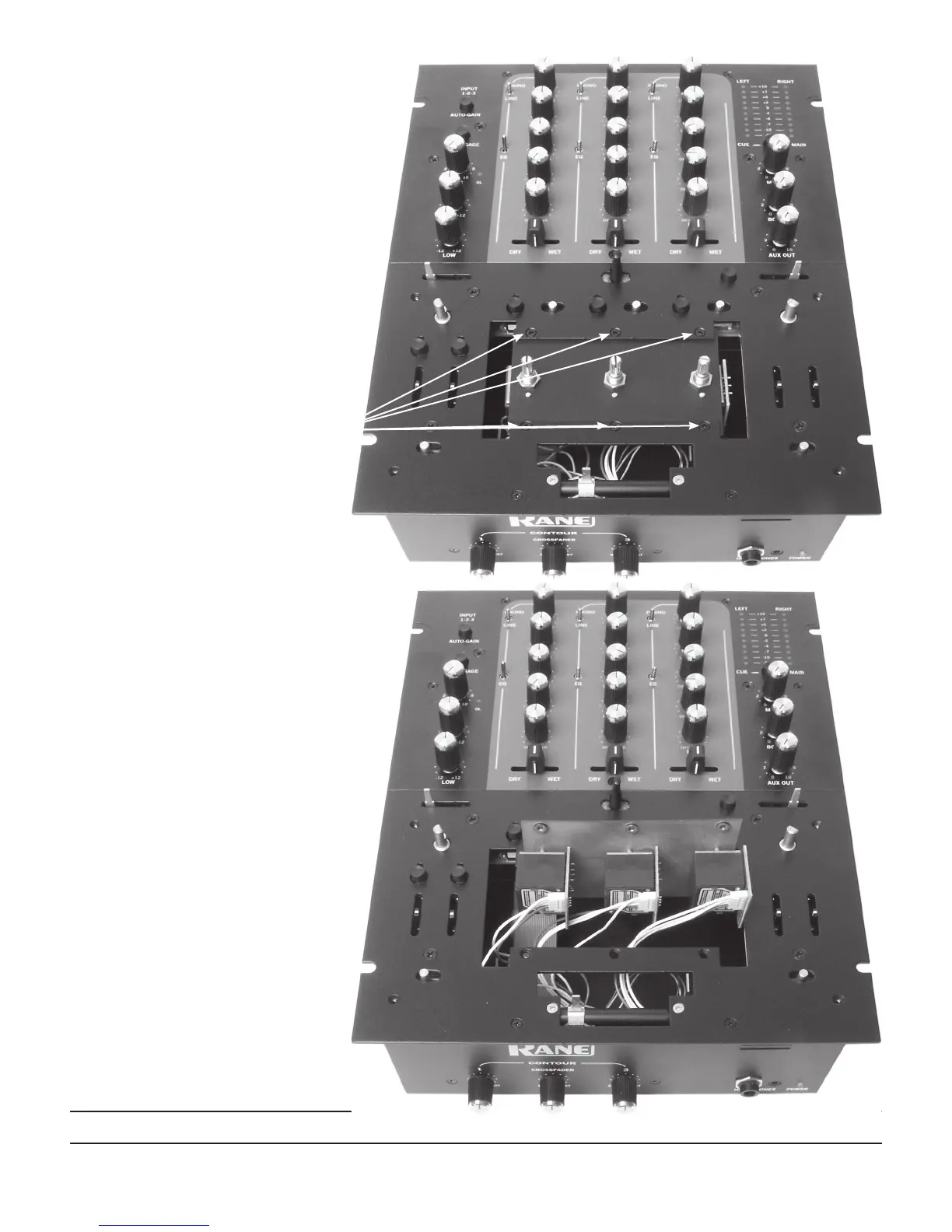
4. Remove the four screws attaching the
Lexan faceplate.
5. Remove the Lexan faceplate as seen here.
6. e three rotary pots are mounted on a
separate plate. Remove the six screws hold-
ing the fader mounting plate.
7. Lift the plate out of the chassis and rotate
it up as in the photo below.
8. Carefully disconnect the ribbon connector
from the fader assembly.
9. Use a small wrench to remove the nut
holding the fader to the plate.
10. Insert the new fader where the old one
was. Fasten the nut so the ribbon connec-
tor aims to the left as in the photo below.
Attach the ribbon connector.
11. To reassemble, reverse the disassembly
procedure.
12. Problems? Contact Rane Corporation
customer service at 425-355-6000.


 To Previous Page