Select the Proper Mode Setting for your Home or Office
• REPEATER MODE is the easiest and most popular
way to use RangeXTD. Repeater mode extends
internet coverage in areas with a weak signal.
• AP (OR ACCESS POINT) MODE provides wireless
capabilities on routers that do not have it.
• ROUTER MODE permits internet access for
mobile devices in homes or offices that rely on
DSL (phone lines) or a cable modem.
There are different ways to set up RangeXTD.
STARTING UP
• RangeXTD includes one range extender, one RJ45 networking cable, and an installation
guide to help answer your questions.
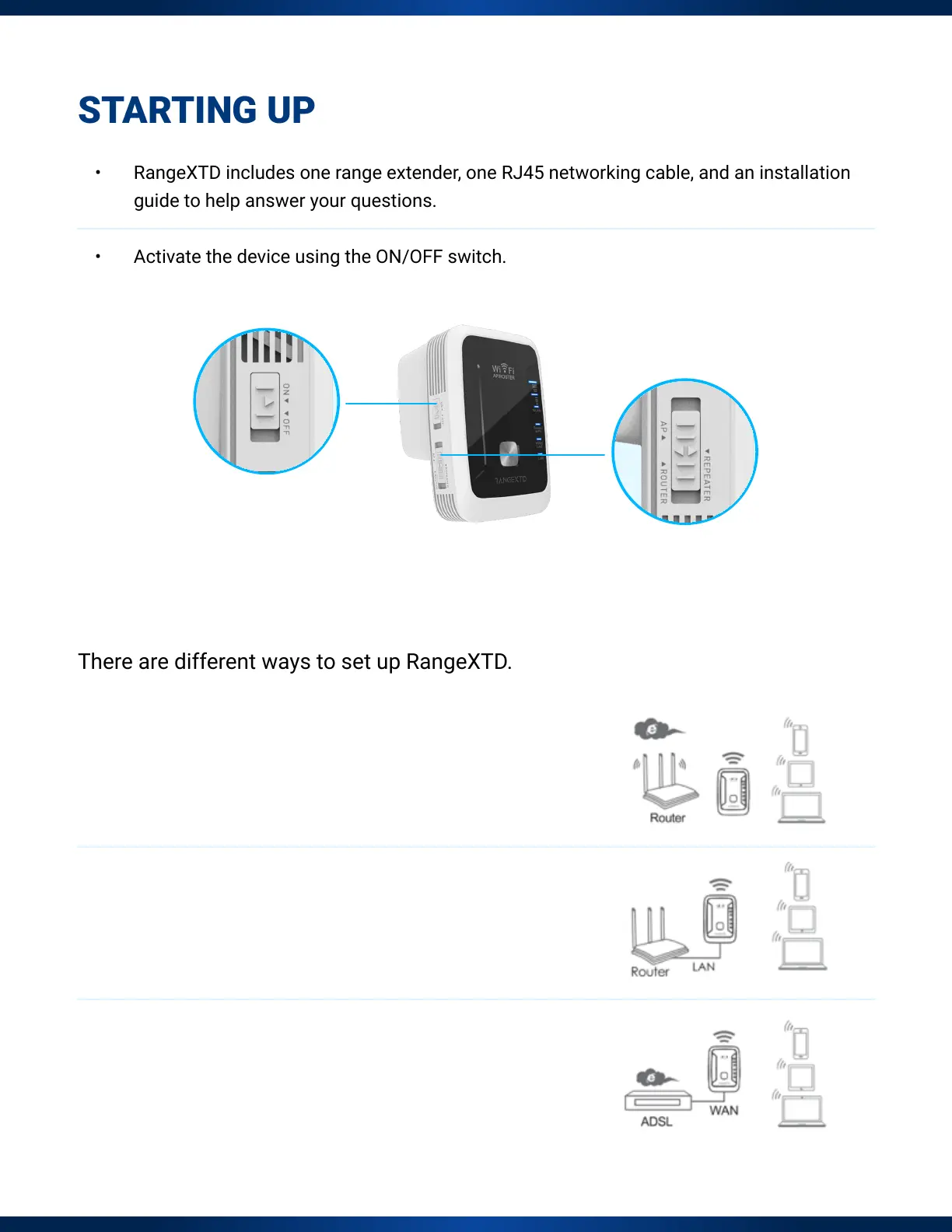
• Activate the device using the ON/OFF switch.


 To Next Page