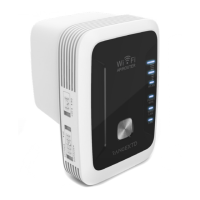
How to Set up AP Mode Using WiFi
AP MODE
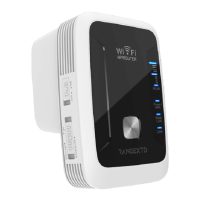
1. Select AP mode on the side of the RangeXTD unit.
2. Plug RangeXTD into the most suitable wall outlet. Connect your router with RangeXTD
using the provided RJ45 cable. If the WLAN LED display indicates less than two bars,
you’ll want to try a different spot.
3. On your computer or device, search for RANGEXTD in your list of available networks and
click connect.


 To Next Page