EasyManua.ls Logo

RAPITEST DM25 - Battery and Fuse Management; Replacement Procedures

Default Icon
25 pages
Print Icon
To Previous Page IconTo Previous Page
Loading...
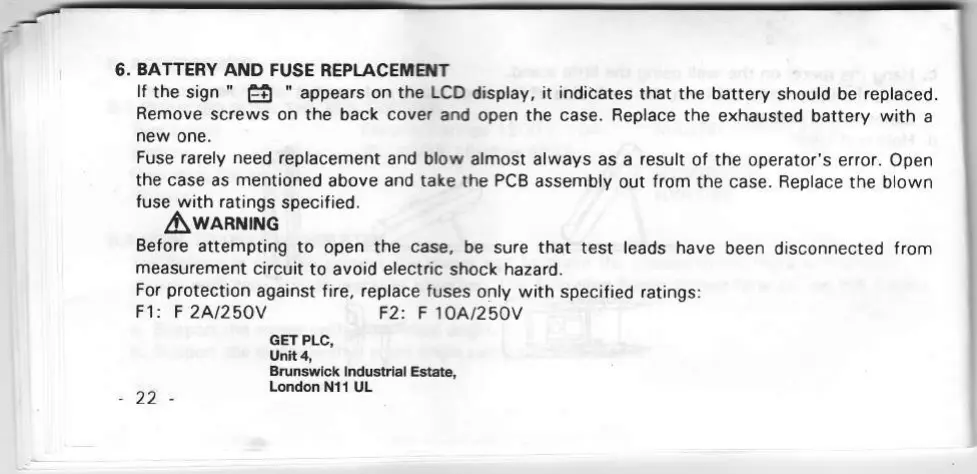
6.
BATTERY
AND FUSE
REPLACEMTT
lf
the
sign
"
6
"
appears on the
LCD
display,
it indidates
that the battery
should be
replaced.
Remove
screws on the
back
cover
and
open the case. Replace
the exhausted
battery
with
a
new
one.
Fuse rarely
need replacement
and
blow
almost always as
a
result
of the operator's
error. Open
the case as mentioned
above
and take
the
PCB
assembly
out
from
the case. Replace
the blown
fuse with ratings
specified.
Iwanrruc
Before
attempting
to open the
case,
be
sure that test leads have
been
disconnected
from
measurement
circuit
to avoid electric
shock
hazard.
For
protection
against fire, replace fuses
only
with
specified ratings:
F1: F
2A|25OY
F2: F 1OA|25OY
GET PLC,
Unit 4,
Brunswick
lndustrial
Estate,
London Nl1
UL
22