Chapter 3: DX Series
34
Making Connections
Pre-installed DX Brackets
To allow you to hang or affix a DX onto an object or position, two brackets
have been installed on the rear side of a DX sensor package when
shipped out of the factory.
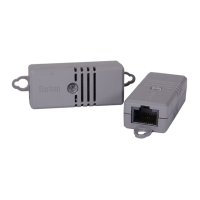
Below is the diagram of a DX sensor package with two brackets installed.
Connecting Detectors/Actuators to DX
A DX sensor package comprises two parts: a sensor box and the terminal
module(s). A terminal module is removable.
Note: The following diagrams illustrate a terminal module comprising
two termination points only. Your DX terminal module may be larger if it
has more terminals.
To make connections when the terminal module is attached:
1. Strip the insulation around 12 mm from the end of each wire of a
detector or actuator.
Wire size range: AWG 28 to 20 or 0.09 to 0.5 mm
2
2. Fully insert each wire into each termination point of a CC, DC or PDC
channel on the DX sensor package.


 To Next Page
 Loading...