IRASI
r-
\/
nEtvEI
V llY19. lllgrE
le
I
l\,rlI' I frAl!lOrrrrn !
.
CLEANING, INSTALLATION AND
COMMISSIONING
The
plate
stop must therefore
only
be suspended
in such
a
waythatthe
supponed
side of the stop is
pointing
downward.
The
wooden suppoft
must be removed before fitting the stop
(when
the stop is in
the
horizontal
position)
under all circum-
stances.
The machine must not be connected to the electric
system
and
not
operated before the separate
"CNC-COLOURGRA-
PHUC-CONTROLLER MULTIBEND 9000 for RAS 74.20-40"
operating manuat, enclosed with the machine, has
been
read
and understood-
The
rear
plate
stop may
only
be
fitted
afterthe machine has been
connected to the electric system,
the direction of rotation for the main drive
(hydraulic
drive) has been checked, the
machine
has
been
aligned and secured.
The
upper cheek must
be moved upwards by approx. 12 inches to fit the stop.
Proceed
as
follows to raise the upper cheek.
-
Turn the main switch
on the
rear
panel
of the switchgear
cabinet
to ON
-
Check
that the CNC
control is ready for operation
Ready for operation when:
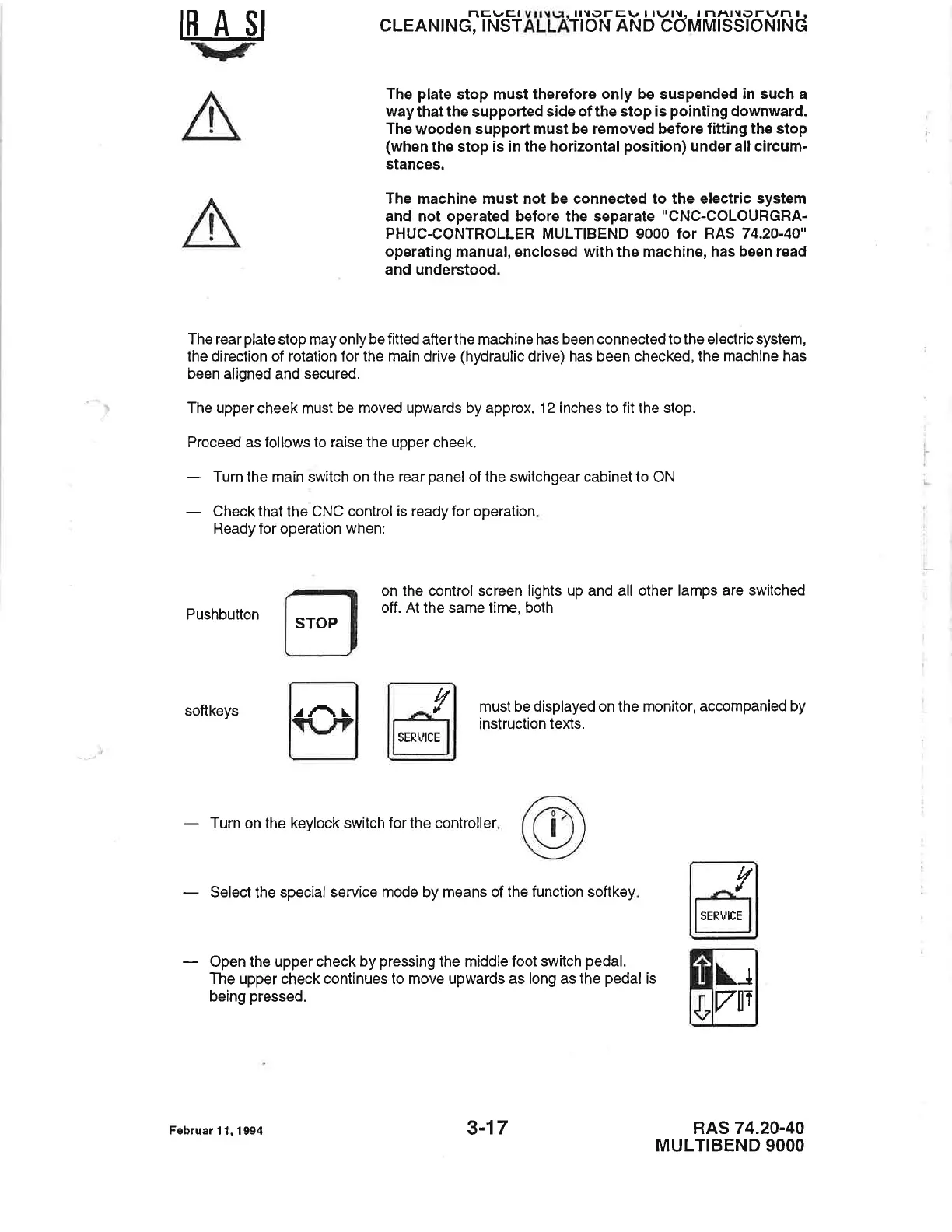
Pushbutton
on
the control
screen lights up and all other lamps
are switched
off. At the same time, both
must be displayed on the monitor,
accompanied by
instruction teXs.
RAS 74.20-40
MULTIBEND
9OOO
softkeys
-
Turn on the keylock
switch
for the
controller
-
Select
the special
service mode by means of
the function softkey
-
Open the
upper
check by
pressing
the middle foot
switch
pedal.
The upper check
continues
to
move upwards as long as the
pedal
is
being
pressed.
STOP
rAr
ln
.l
SERUICE
ln
.l
SERVICE
\_r
vtl
Februar
1 1, 1 9t 4 3-17


 To Next Page
 Loading...