SalesIdeasUniverse@gmail.com
Insert your pi and use the nuts to secure the pi into place. Push out of the way cabling from the
fan and OLED.
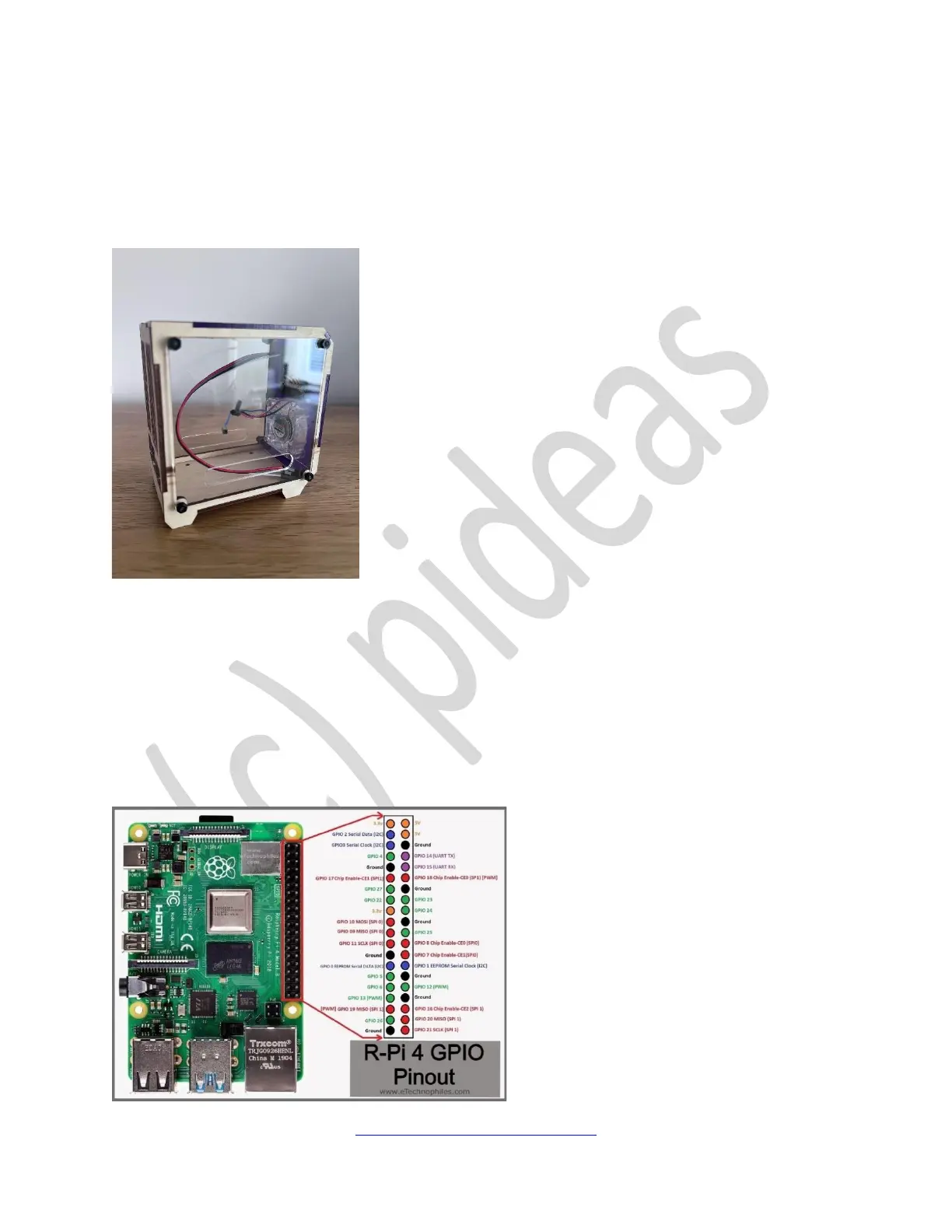
Within the case you will find two sets of wires: 3-wires for the RGB 5v fan, and 4 wires for the
standard SSD 1306 OLED display.
Wiring
RGB Fan
Firstly, connect the 5v RGB Fan. There are three wires from the fan, only two are used – the red
and black. The other should be looped as not to interfere or get stuck in the fan. The two wires
will be connected to the ground and 5v pins on the pi header as shown below:


 To Next Page