18
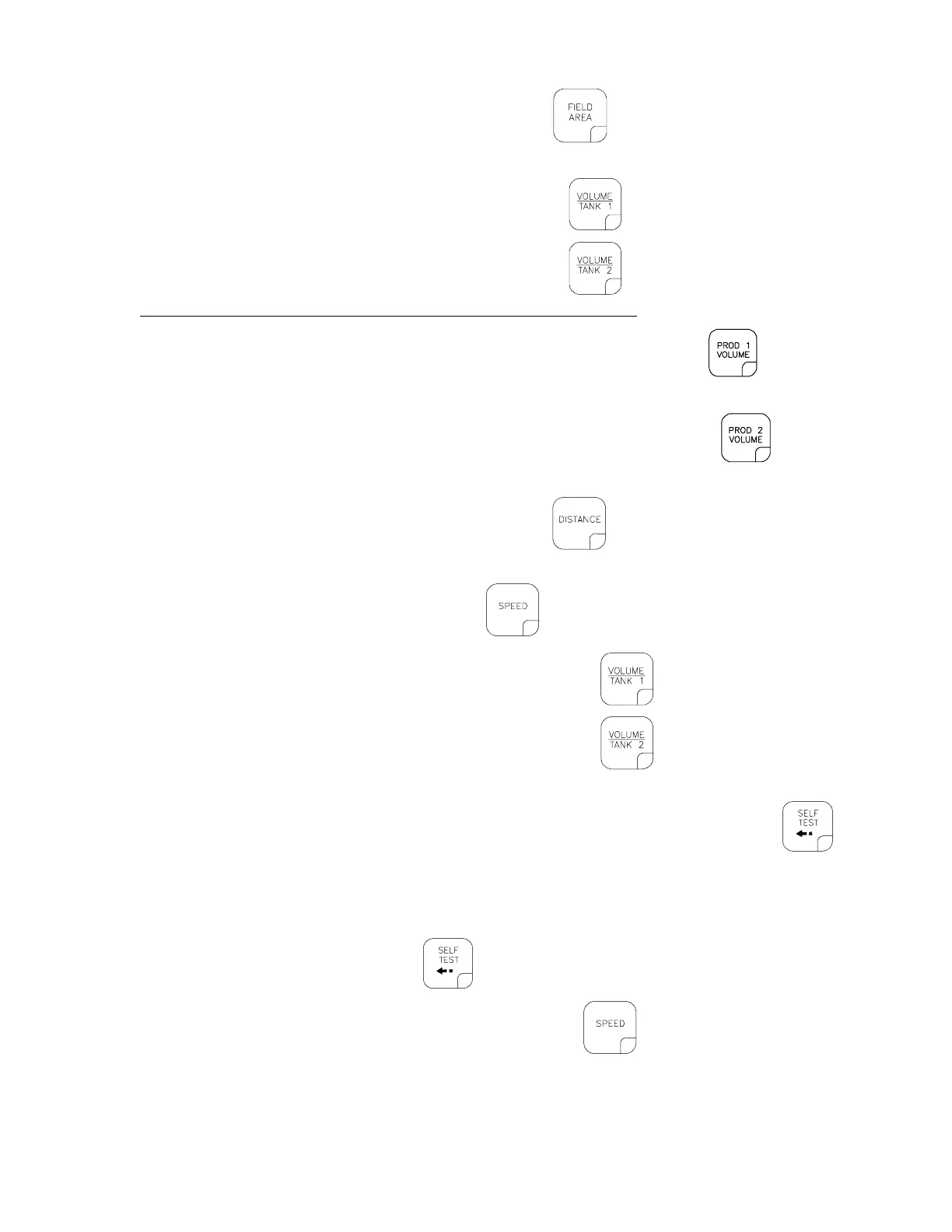
2) To display FIELD AREA covered, momentarily depress . To "zero out" this total at any time,
enter a "0" in this key.
3) Enter the estimated total volume of PRODUCT 1 tank in
.
Enter the estimated total volume of PRODUCT 2 tank in
.
**Each time the tank is refilled, this number must be re-entered.**
a) To display accumulated VOLUME of PRODUCT 1 sprayed, depress
. To "zero out"
this total at any time, enter a "0" in this key.
b) To display accumulated VOLUME of PRODUCT 2 sprayed, depress
.
To "zero out" this total at any time enter a "0" in this key.
4) To display DISTANCE (feet) [meters] traveled, depress
. To "zero out" this total at any time,
enter a "0" in this key.
5) To display MPH [km/h], momentarily depress
.
6) To display current VOLUME in PRODUCT 1 TANK, depress
.
7) To display current VOLUME in PRODUCT 2 TANK, depress
.
8) To display current UNITS OF MEASURE selection (US, SI, or TU); SPEED SENSOR selection (SP1
or SP2); or VALVE selections (1-Sd, 1-F, or 1-FC; and 2-Sd, 2-F, or 2-FC), depress
.
3. SELF TEST FEATURE
SELF TEST allows speed simulation for testing the system while the vehicle is not moving. Enter
the simulated operating speed in the
. If 6 MPH [9.6 km/h] is desired, enter 6.0 [9.6] (See
CONSOLE PROGRAMMING). Verify speed by depressing
. The DATA display will show a
speed of 6.0 [9.6]. The SELF TEST speed will clear itself when motion of vehicle is detected by the
Speed Sensor. A SPEED CAL Value of 900 [230] or greater is recommended when operating in this
mode.



 To Next Page
 Loading...


