Note:ThewirecolorsonyourMultifunctiondisplaymaydiffer
tothatshownaboveifthisisthecasethenensureyouhave
connectedthecorrectsignals(e.g.IN-ontheAISconnectsto
OUT-onyourMultifunctiondisplayandsoon).
ConnectingSeaTalk
ng
TheSeaT alk
ng
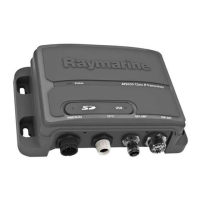
connectorenablesyoutoconnecttheAISunit,
aboardvesselsonwhichthemultifunctiondisplaysareconnected
viaSeaT alk
ng
.
BeforeconnectingtoSeaT alk
ng
,refertotheSeaTalk
ng
Reference
Manual,andensurethatwiththisproductconnected,themaximum
permittedLoadEquivalenceNumber(LEN)valueforthesystemwill
notbeexceeded.
Note:YourAISunithasaSeaTalk
ng
LENvalueof1.
US B
P WR/Da ta
S T
ng
VHF ANT
1.ConnectthesuppliedSeaT alk
ng
spurcabletotheAISunit’s
SeaTalk
ng
connector.
2.ConnecttheotherendoftheSeaT alk
ng
spurcabletoasuitable
placeonyourvessel’sSeaTalk
ng
networkasfollows:
i.ConnectusingSeaT alk
ng
5–wayconnector.
ii.ConnectusingaSeaTalk
ng
T-Piececonnector.
iii.ConnectusingaspareSeaTalk
ng
spuronaSeaT alk
ng
converter.
2.7Powerconnection
Powersupplyprotection
Alwaysprotectthepowersupplybyconnectingthered(positive)
wiretothesupplyviaa2Afuseorequivalentautomaticcircuit
breaker.
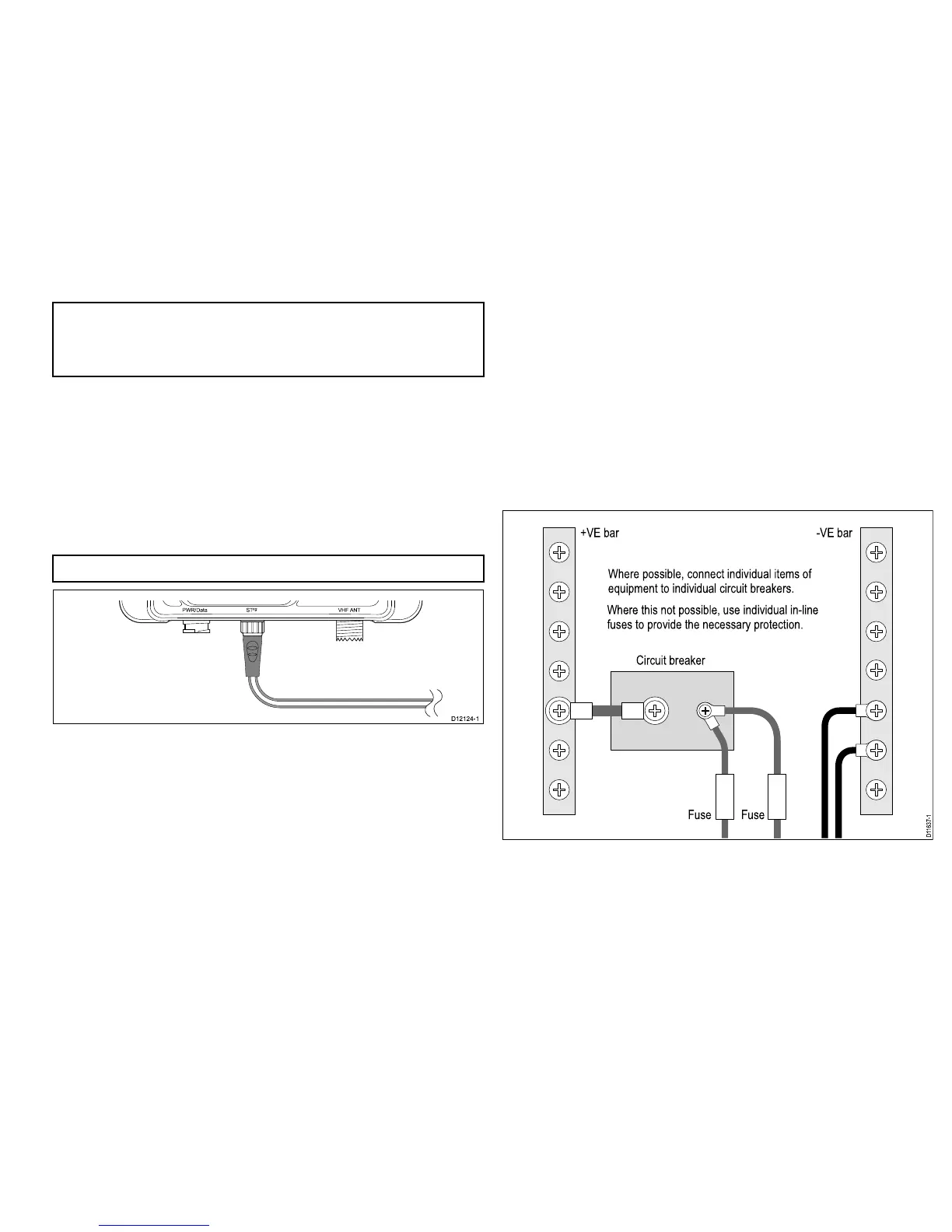
Sharingabreaker
Wheremorethan1pieceofequipmentsharesabreakeryoumust
provideprotectionfortheindividualcircuits.E.g.byconnectingan
in-linefuseforeachpowercircuit.
D11637-1
+VE bar
Circuit breaker
FuseFuse
-VE bar
Where possible, connect individual items of
equipment to individual circuit breakers.
Where this not possible, use individual in-line
fuses to provide the necessary protection.



 To Next Page
 Loading...