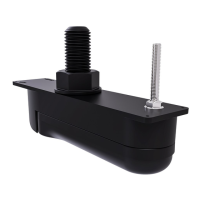
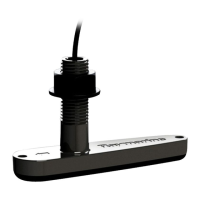
2.SlidetheM6metalwasherovertheM6he
x(Allen)bolt.
3.SlidethesuppliedM6hex(Allen)boltthroughthetransombrackethole.
4.PlacetheM6lockingnutintothecaptiveareaonthemountingbracketandholdinposition.
5.Usinga5mmHexwrench((Allenkey),tightentheboltontothelockingnut,untilthetransducer
staysinposition,butcanstillbeadjusted(tilted)byhand.
6.Tiltthetransducersothatthebottomfaceofthetransducerwillbeparallelwiththewaterline
andtightenthehexboltuntilthehangerisheldfirmlyinplace.
Thetransducerpositionwillbeadjustedfurtherduringtesting.
Mountingtheescutcheonplate
Yourtransducerissuppliedwithanescutcheonplate.
Ifyouhavechosentoroutethetransducercablethroughthetransomorthroughabulkhead,you
canusethesuppliedescutcheonplatetocovertheholerequiredtoaccommodatethecable.The
plateisdesignedtofitoveraholeupto25mm(1inch)indiameter.
Afteryouhavethreadedthetransducercablethroughtheholeinthetransomorbulkhead,attach
theescutcheonplateasshown,takingcarethatthecableisnottrappedbetweentheescutcheon
plateandthemountingsurface.
Installation25


 To Next Page
 Loading...