EN_USER GUIDE // // USER GUIDE_EN 76
> EN_USER GUIDE> EN_USER GUIDE
* Use only the 3.0m DC power cable supplied with the Fridge/Freezer.
OPERATING INSTRUCTIONS
* Press on/off button to turn ON the fridge/freezer.
To turn OFF the fridge/freezer, press and hold on/off button.
* When the fridge/freezer is ON you can adjust the temperature.
Use the Up and Down buttons to adjust between -20 and 20 C.
Battery protections settings
* Press SET to enter battery protection mode when using the 12V-24V DC plug.
* Display show the level of: LL ( LOW) HL (MIDDLE) and HH (HIGH). Press up and down button to adjust.
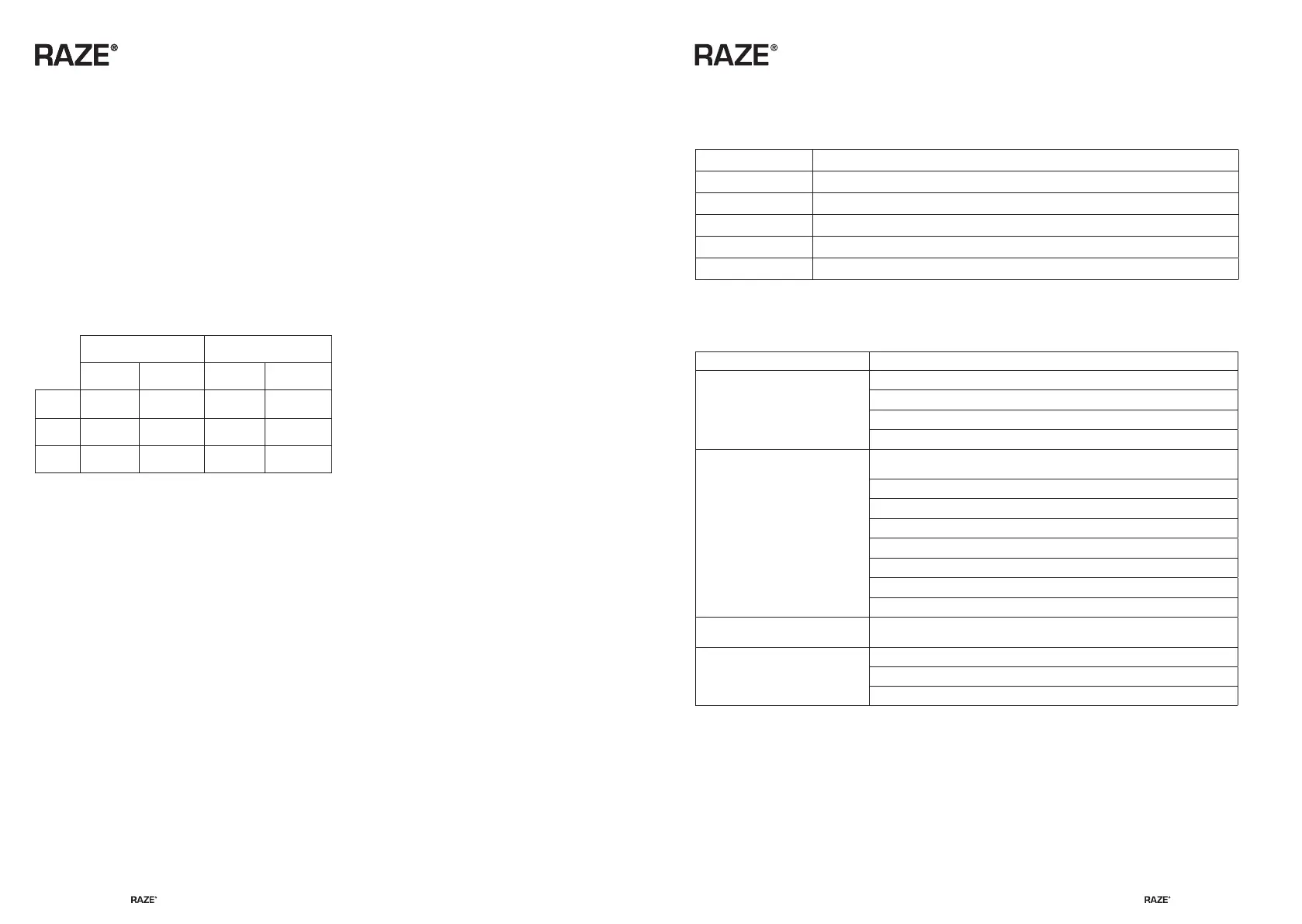
HIGH, MIDDLE, LOW LEVEL VOLTAGE DATA:
12V 24V
START STOP START STOP
LL 9.6V 10.9V 21.3V 22.6V
HL 10.4V 11.7V 22.8V 24.2V
HH 11.3V 12.5V 24.6V 26V
Because of different car battery level. If EO is displayed, adjust the HH to HL or LL.
Mode settings
* Press SET two time to enter EH and EL mode.
* Use the Up and Down buttons to adjust between EH and EL mode.
* EH is Fast cooling mode. Factory default is EH fast cooling mode. Light turns red when using EH mode.
* EL is Energy saving mode. Light turns green when using EL mode.
Temperature settings
* Press SET three times to enter temperature.
* Use the Up and Down buttons to adjust between Fahrenheit og Celcius.
* When fridge/Freezer has reache the set temperature the compressor will stop.
* If temperature is below or above set temperature the compressor will start again automatically.
REFRIGERATOR FAULT CODE
EO Voltage failure – The input voltage is out of the set range
F1 Fan current failure Fan current end output current greater than 1A
F2 Compressor start-up failure
F3 Compressor minimum speed fault
F4 Thermostat protection against high temperature
F5 Controller hardware failure
TROUBLESHOOTING
FAULT POSSIBLE CAUSE / SUGGESTED REMEDY
Refrigerator doesn't work
Check the power supply for failure
Check the power plug for bad contact
Whether the fuse is fused or not
Check to see if the power switch on the display panel is on
Poor refrigeration performance
The amount of food stored is too large to be crowded,
and the air-conditioning is not smooth
The door of the box is not closed
The seal of the door is damaged or deformed, and the seal is not tight
Bad external ventilation of refrigerator
Put too much hot food in icebox
There is no space around the refrigerator
Heat source in or near sunlight
Incorrect temperature setting
There is a “water flow” type
of noise from inside the unit
This is normal, caused by the flow of refrigerant
There is a noise from the unit
Unit is not on a flat level surface
Check for vibrations in surrounding objects
Parts loose or falling off the inside of the refrigerator


 To Next Page
 Loading...