WHAT’S NEEDED
PRODUCT REQUIREMENTS
• PC with a free USB port
RAZER SYNAPSE REQUIREMENTS
• Windows® 7 64-bit (or higher)
• Internet connection for software installation
LET’S GET YOU COVERED
You’ve got a great device in your hands, complete with a 2-year limited warranty coverage. Now maximize its potential and
score exclusive Razer benefits by registering at razerid.razer.com
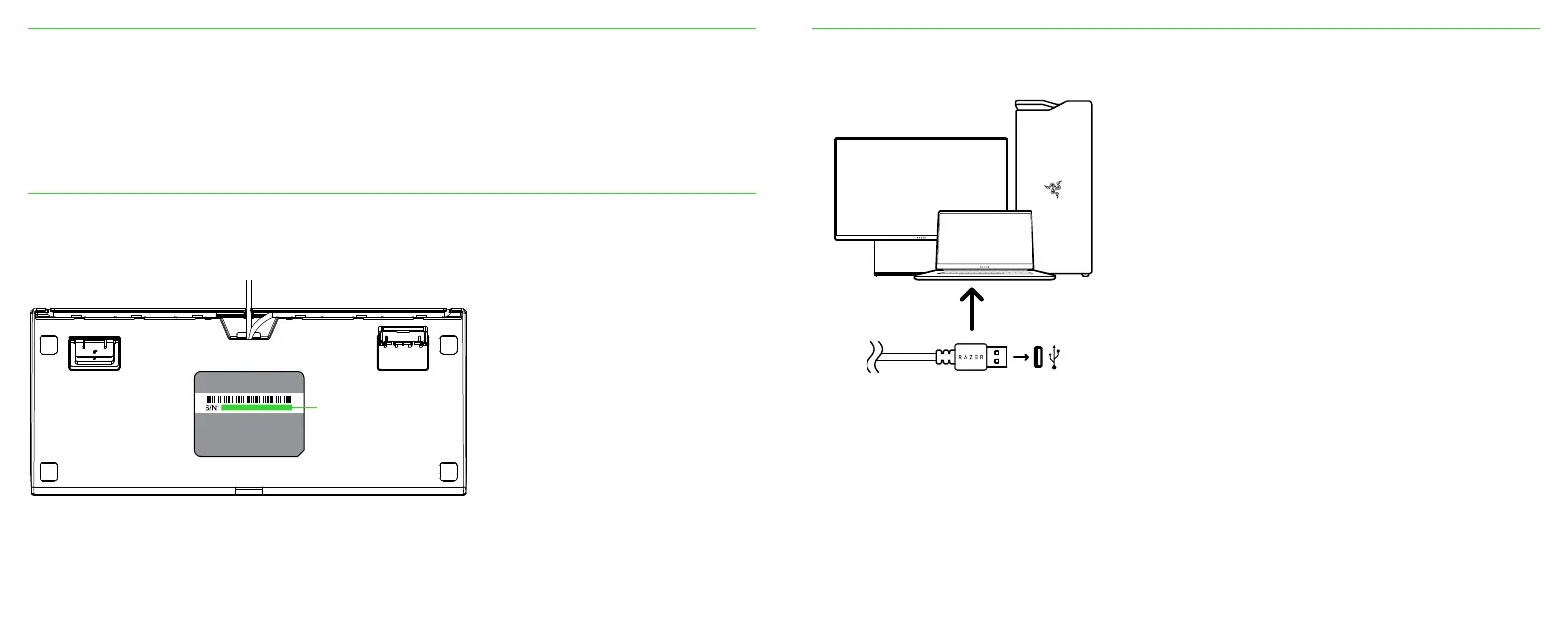
Your product’s
serial number can
be found here.
Got a question? Ask the Razer Support Team at support.razer.com
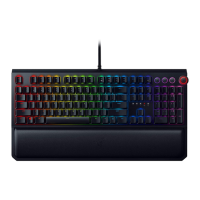
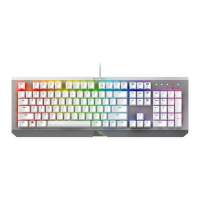
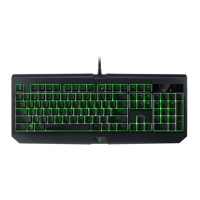
SETTING UP YOUR RAZER BLACKWIDOW V3: TENKEYLESS
1. Connect your Razer device to the USB port of your computer.
2. Use the Razer Synapse app to customize lighting and even create various profiles suited for different playstyles.
Install Razer Synapse when prompted or download the installer from razer.com/synapse.
Find out more about your gaming-grade keyboard at support.razer.com.







 To Next Page