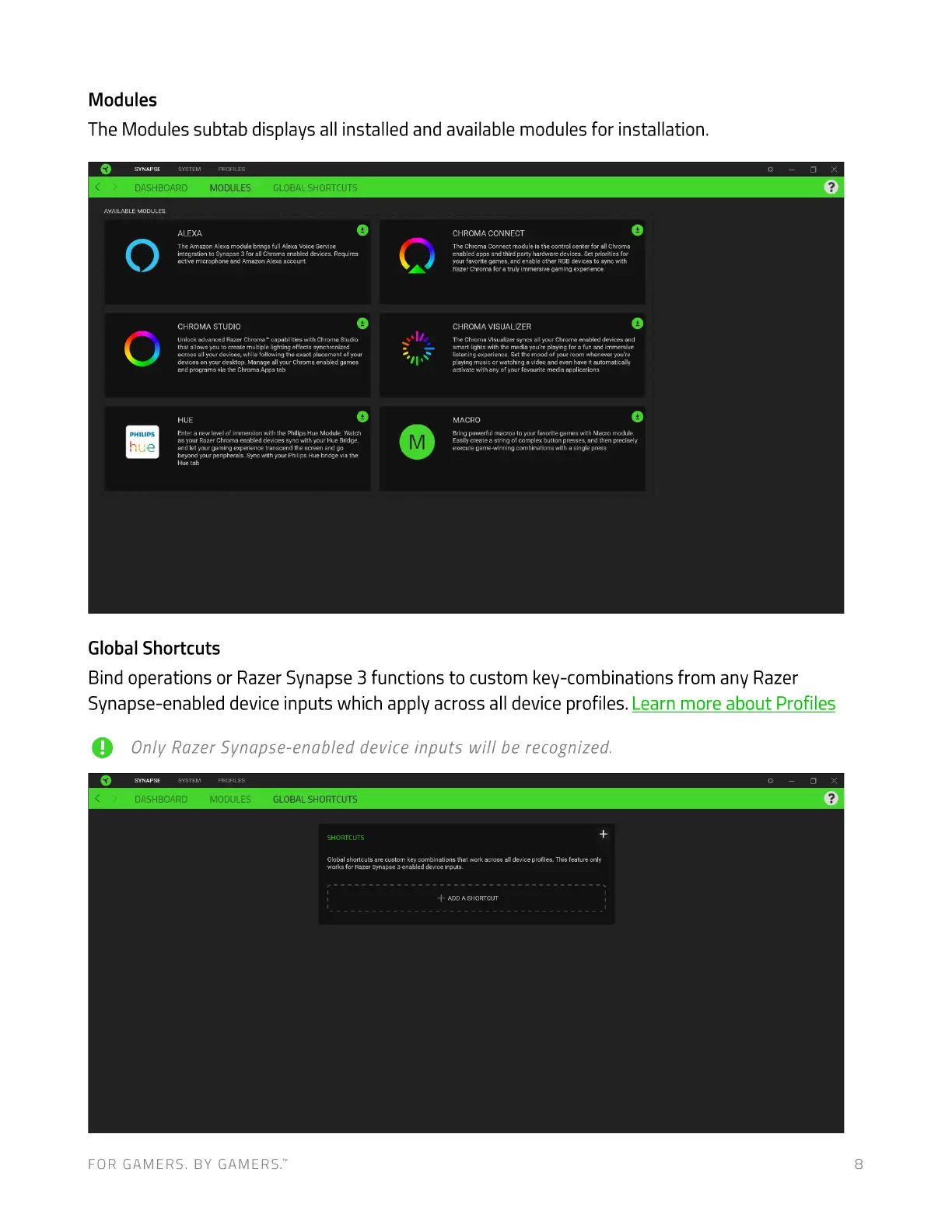
Modules
The Modules subtab displays all installed and available modules for installation.
FOR GAMERS. BY GAMERS:
DASHBOARD
AVAILABLE MODULES
MODULES GLOBAL SHORTCUTS
The Arnazm Alexa brirg• fun Voe
Etive micrcvhme and Arrozon
CHROMA STUDIO
*tvanced Raze with
that to Create
"'oss •II devices. Of
desktop.
programs via Oroma tab
HUE
Enter a Of *ith the Watch
RazerCtv«na enabled devices gym with you
wth
Global Shortcuts
CHROMA CONNECT
The Conn«t 'nodule i' the control center for all Chroma
app. party hardware devices Set prioritiea for
ycu f.v«te and other RGBdeuces to gync mth
Raze Chrcma for a jmrn«sive experience
CHROMA VISUALIZER
the Chtcma Visu•hzer Syru:sellyour Chrrynaenaued devices and
smart with the you're playing for a run immersive
"stening experience. Set the mood of yout room whenever you're
Ot O Video and have it
activate with any o! your favorite rnedia applications
MACRO
powerful macros to Nith Macro
Eni* ante a string of complex button presses,and t'wn meci•ely
with a sir*
Bind operations or Razer Synapse 3 functions to custom key-combinations from any Razer
Synapse-enabled device inputs which apply across all device profiles. Learn more about Profiles
Only Razer Synapse-enabled device inputs will be recognized.
SYNAPSE
DASHBOARD MODULES GLOBAL SHORTCUTS
SHORTCUTS
Globe shortcuts are custu-n key that •cross device profiles. This feature
fu Razer Snapse 3enabIed device'-puts.
+ ADDA SHORTCUT



 To Next Page