5. USING YOUR RAZER BLADE 18
KEYBOARD FEATURES
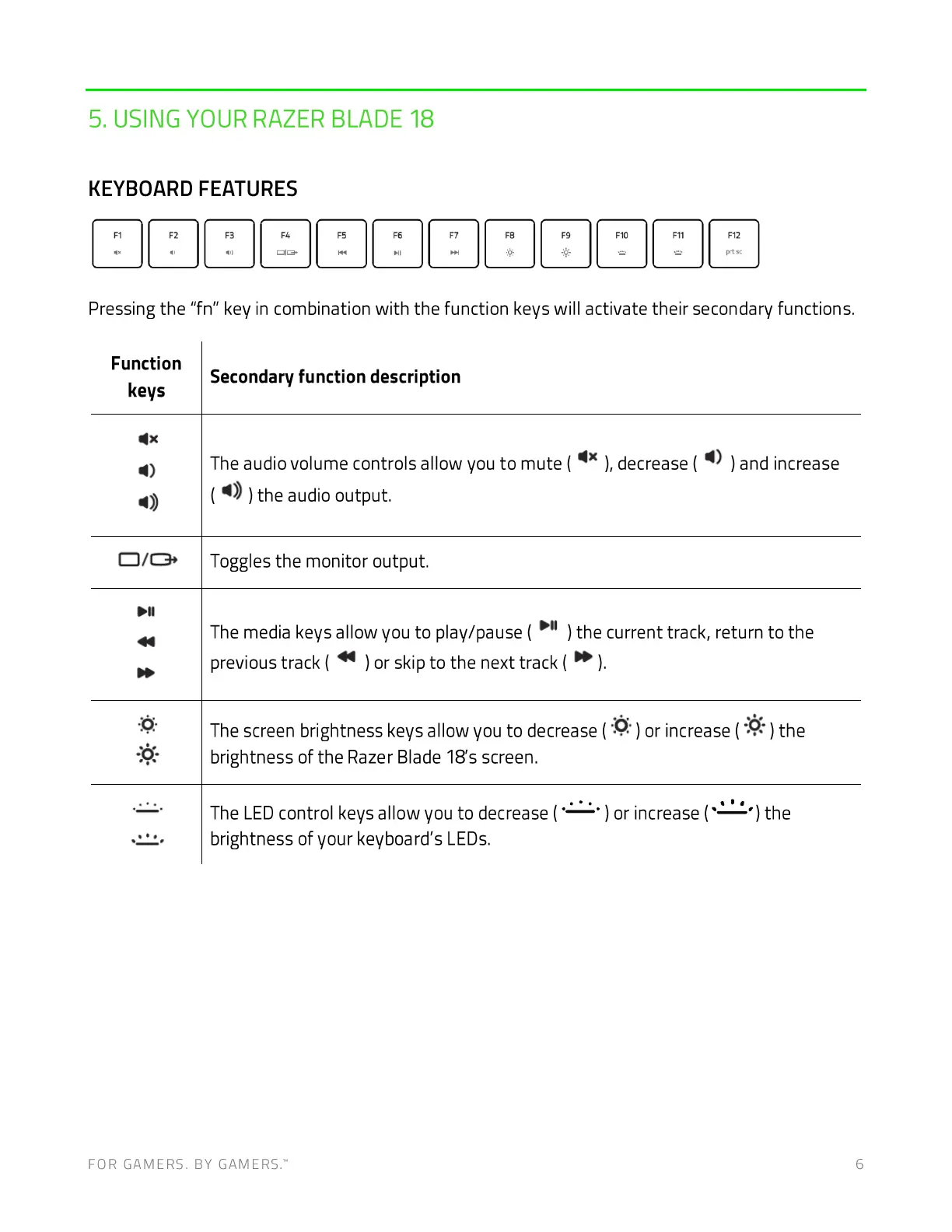
Pressing the "fn" key in combination with the function keys will activate their secondary functions.
) the
Function
keys
Secondary function description
The audio volume controls allow you to mute ( ), decrease ( ) and increase
( ) the audio output.
Toggles the monitor output.
) the current track, return to the
The media keys allow you to play/pause (
previous track( ) or skip to the next track (
The screen brightness keys allow you to decrease ( ) or increase ( ) the
brightness of the Razer Blade 18's screen.
The LEDcontrol keys allow you to decrease (
brightness of your keyboa rd's LEDs.
FOR GAMERS. BY GAMERS:
) or increase (
6



 To Next Page