19 | Razer™
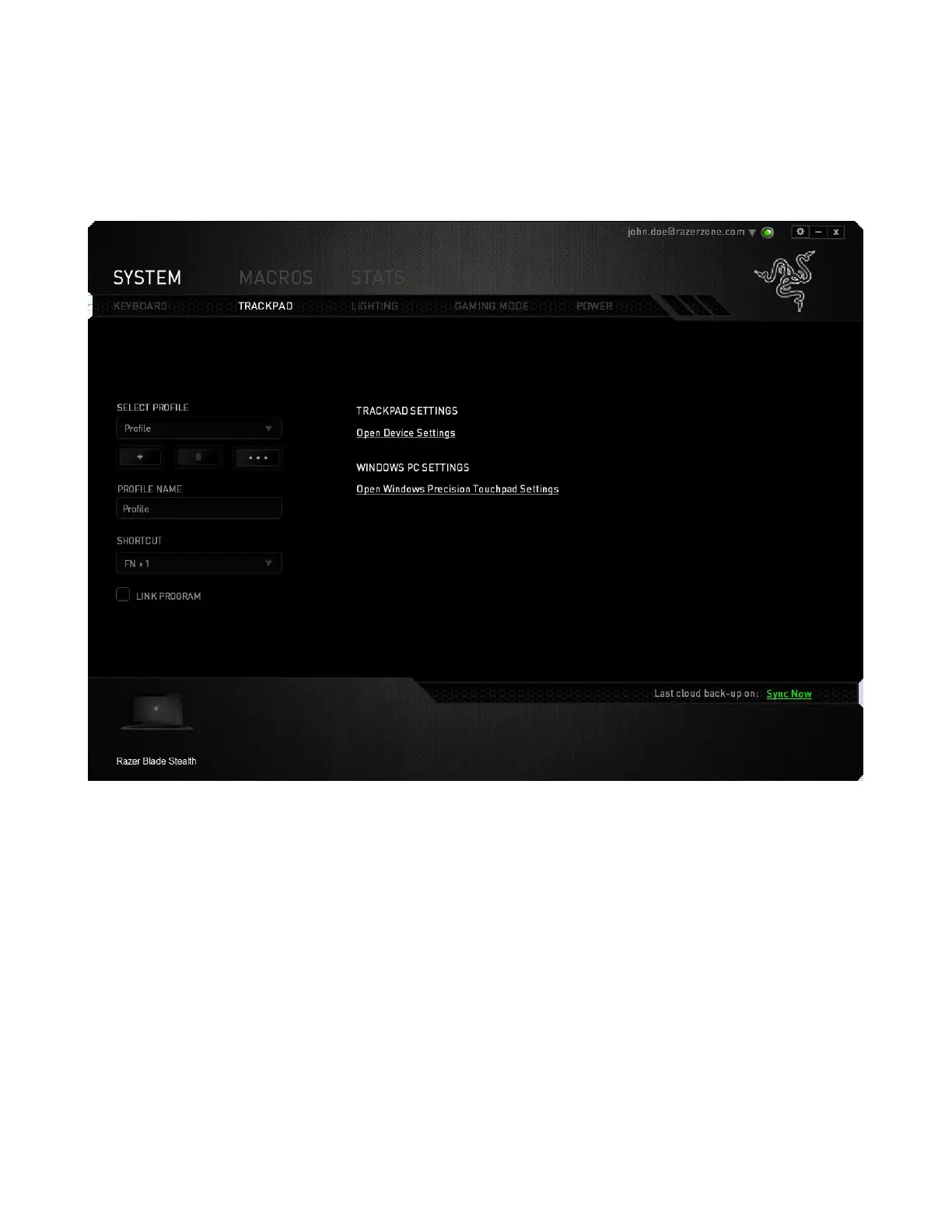
Trackpad Configuration
You can adjust the response of the trackpad and change the gestures by clicking the
links on the user interface.
Listed below are the options and their descriptions.
Trackpad Settings
Use this link to select your primary button, set the scroll behavior, and change the
touchpad delay.
Windows PC Settings
Use this link to edit gestures, cursor pointing options, and other advance features.



 To Next Page