32 | For Gamers. By Gamers.™
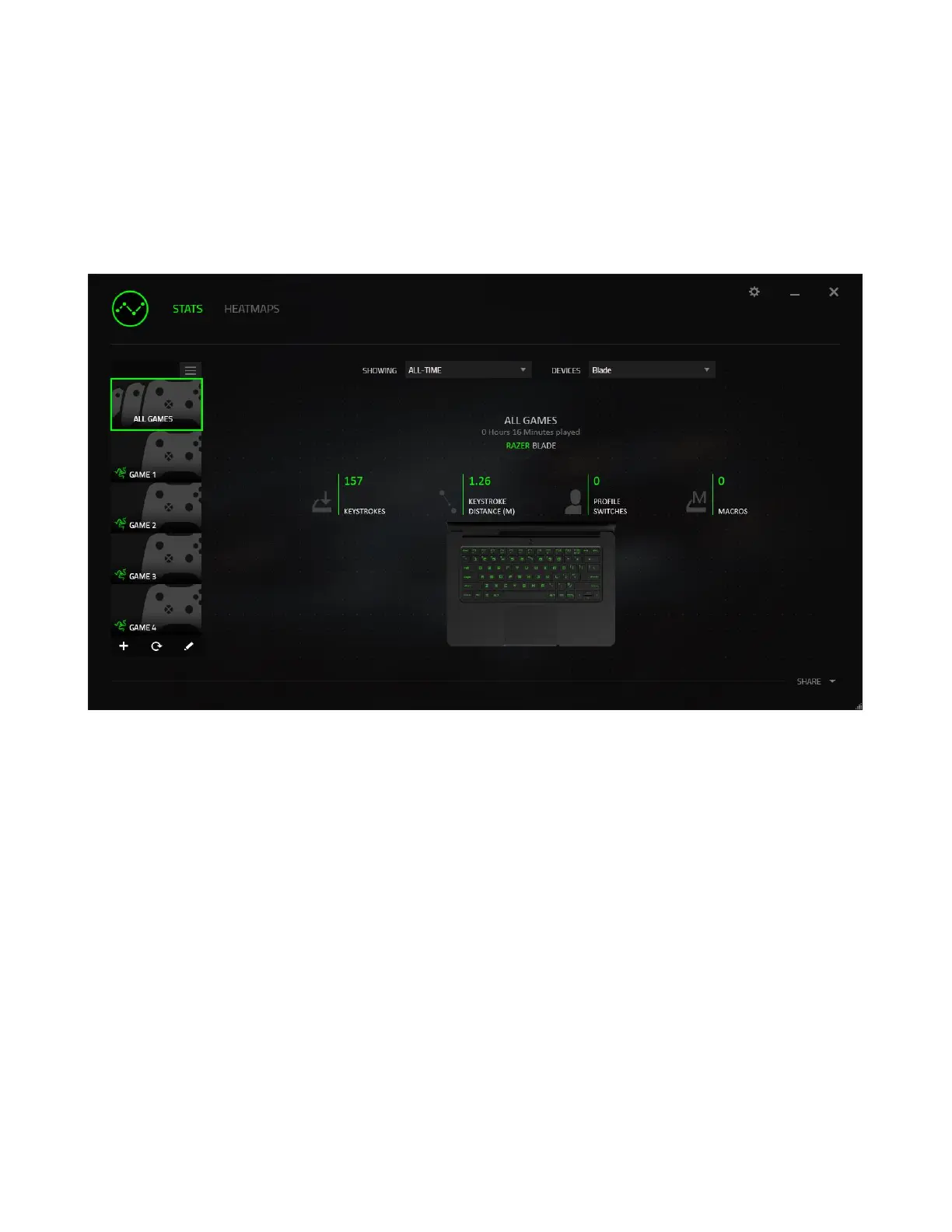
Stats Tab
By default, the Stats Tab shows you the overall statistics of all your Razer devices for all
games and all time. You can select a specific game via the game list on the left side,
change the time period using the SHOWING dropdown menu, or the Razer device using
the DEVICES dropdown menu.



 To Next Page