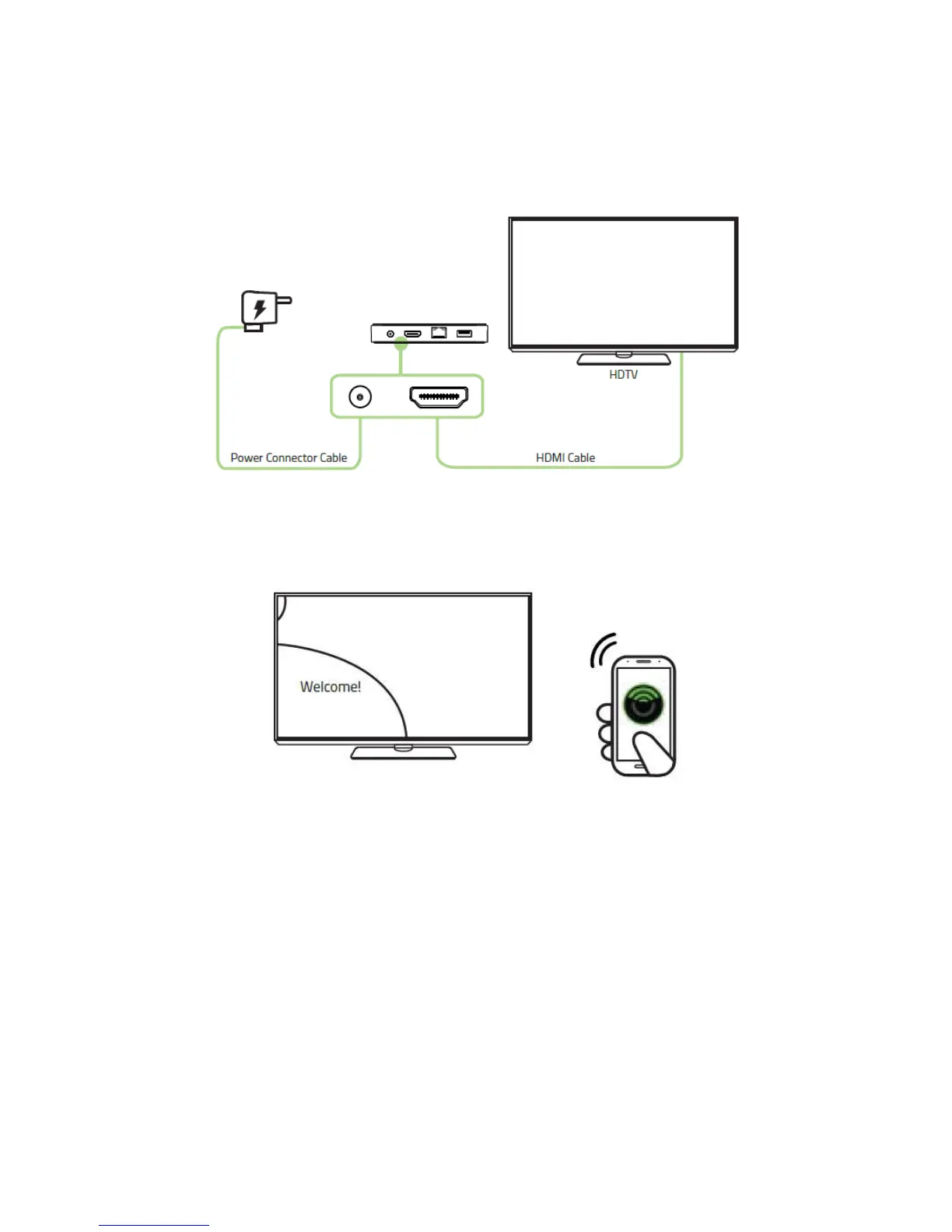
2. Connect the HDMI cable (not included) from the Razer Forge TV to your
television and plug the power connector to your power outlet.
3. Follow the on-screen instructions to set up your Razer Forge TV using
the Forge TV Remote app.
You are now ready to use the Razer Forge TV. Have fun!
For instructions on how to set up the Razer Forge TV with the Razer Serval Controller, please
refer to the Razer Serval Quick Start Guide.



 To Next Page