BLUETOOTH BUTTON
Switch to Bluetooth Mode
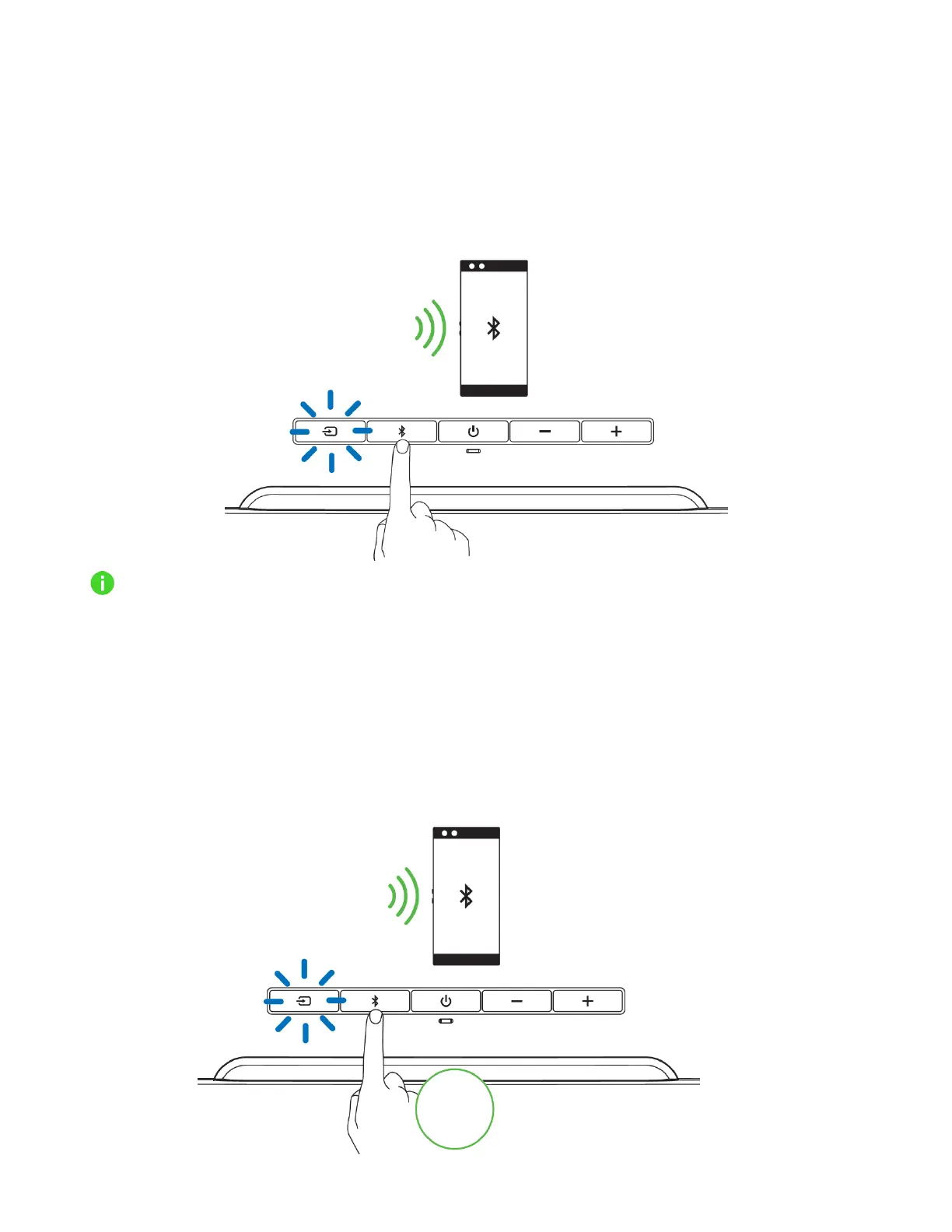
While powered on and in PC mode, press the Bluetooth button to switch to Bluetooth mode and
reconnect the soundbar to the last known device. The Source button will light up in static blue to
indicate that the soundbar is now connected to your device.
The soundbar will activate pairing mode when no device is found.
Activate pairing mode
Activate pairing mode if you want to pair the soundbar to a different device. While powered on and in
Bluetooth mode, press the Bluetooth button for 6 seconds to activate pairing mode. A distinct tone
will help notify you that the soundbar is now in pairing mode. Follow your device’s instructions and
select “Razer Leviathan V2” from the list of found devices. The Source button will briefly change to
static blue to indicate that the soundbar is now connected to your device.



 To Next Page