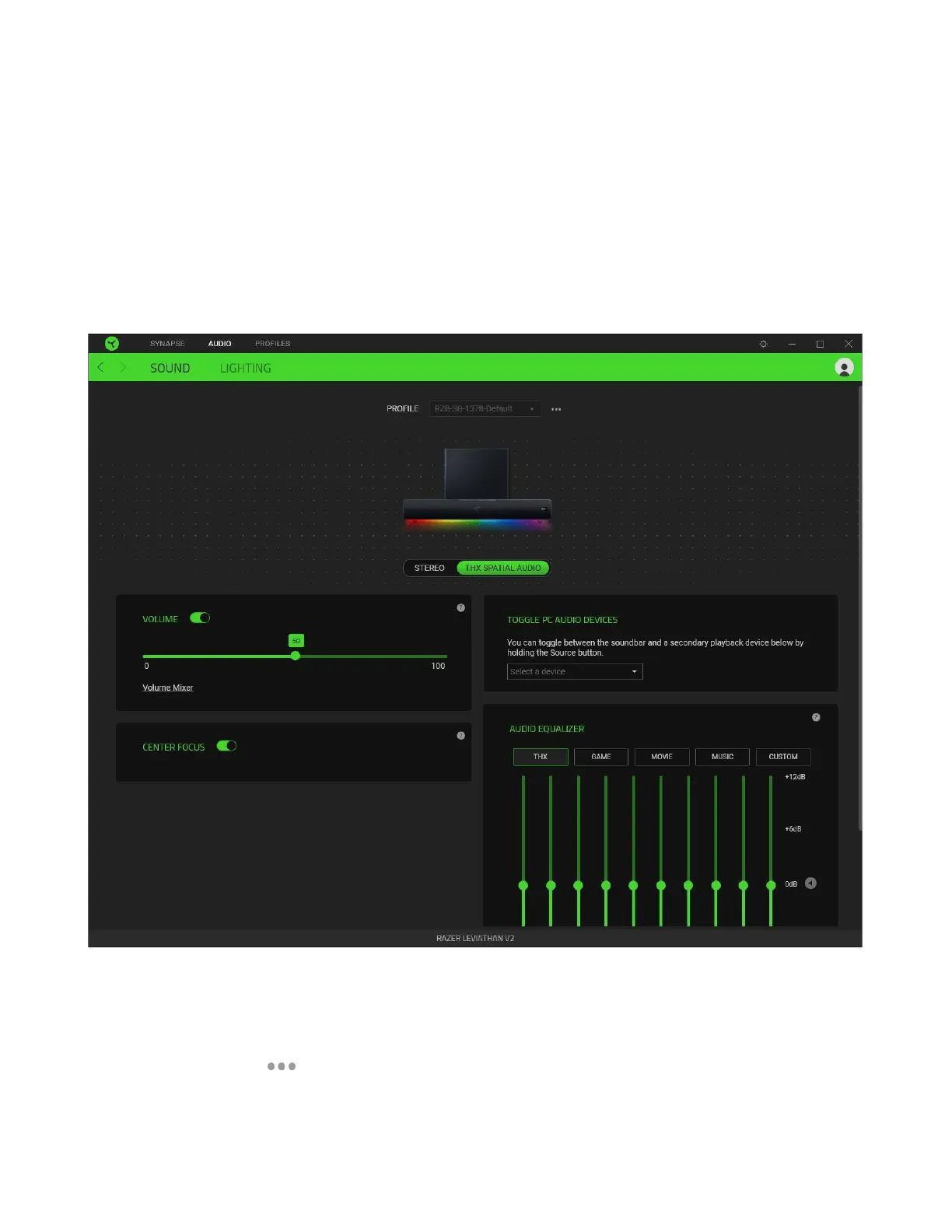
AUDIO TAB
The Audio tab is the main tab for your Razer Leviathan V2. From here, you can customize your
soundbar’s settings to unleash its full potential. Changes made under this tab are automatically saved
to your system and cloud storage.
Sound
The Sound subtab is for toggling between stereo and THX® Spatial audio, setting a secondary playback
device, and customizing the incoming audio settings and frequency response of the soundbar.
Profile
A Profile is a data storage for keeping all your Razer devices’ settings. By default, the profile name is
based on your system’s name. To add, rename, duplicate, or delete a profile, simply press the
Miscellaneous button ( ).



 To Next Page