49 | razer™
IN-GAME DISPLAY SETTINGS
Here you can configure various overlay settings and even change display icons for each
mouse button on the 12-button thumb grid when shown in game.
Note: Overlay is not supported for Windows XP systems.
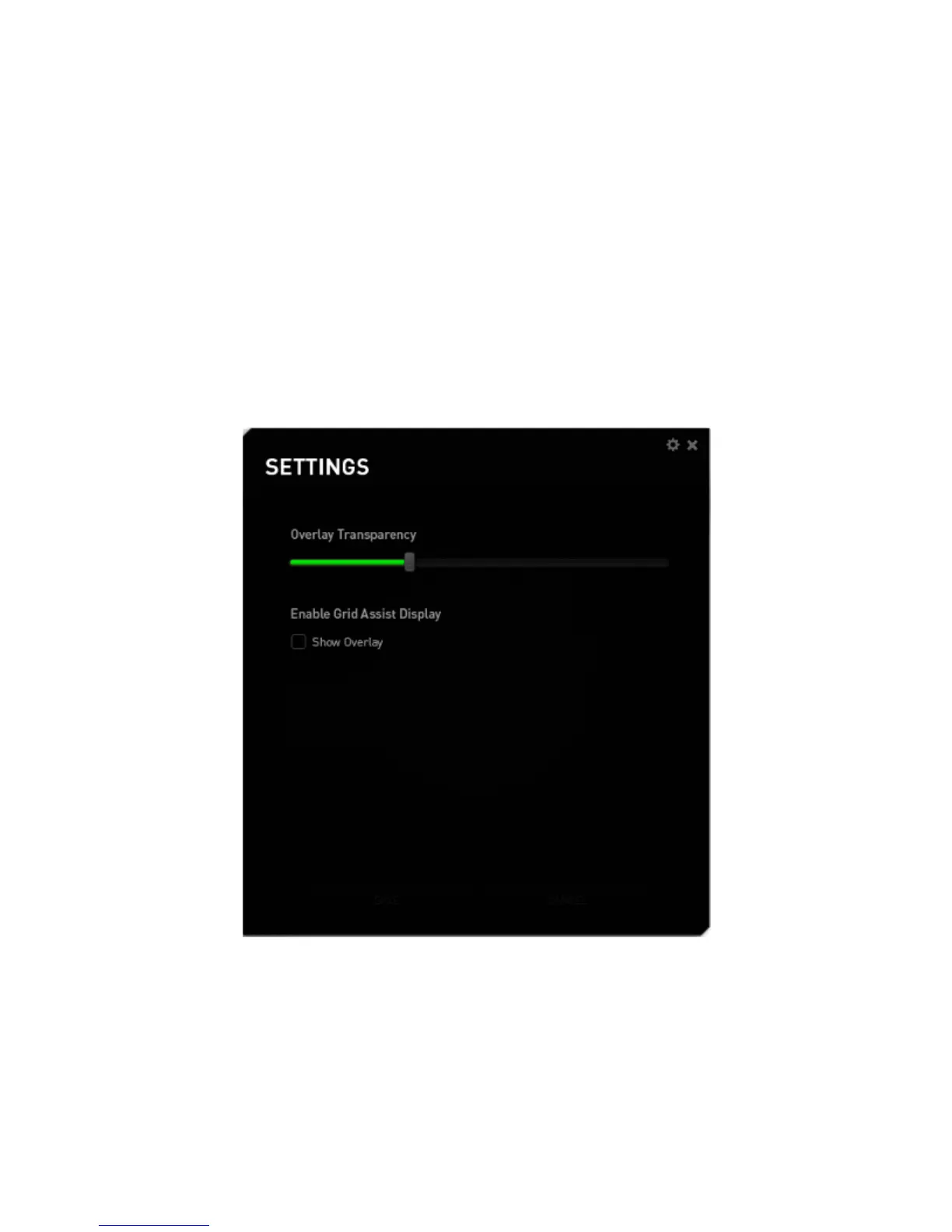
Overlay Settings
Adjust the transparency level of the configurator when displayed in game using the
OVERLAY TRANSPARENCY slider.
Select “SHOW OVERLAY” to enable the display of the 12-button thumb grid on your
game screen.



 To Next Page