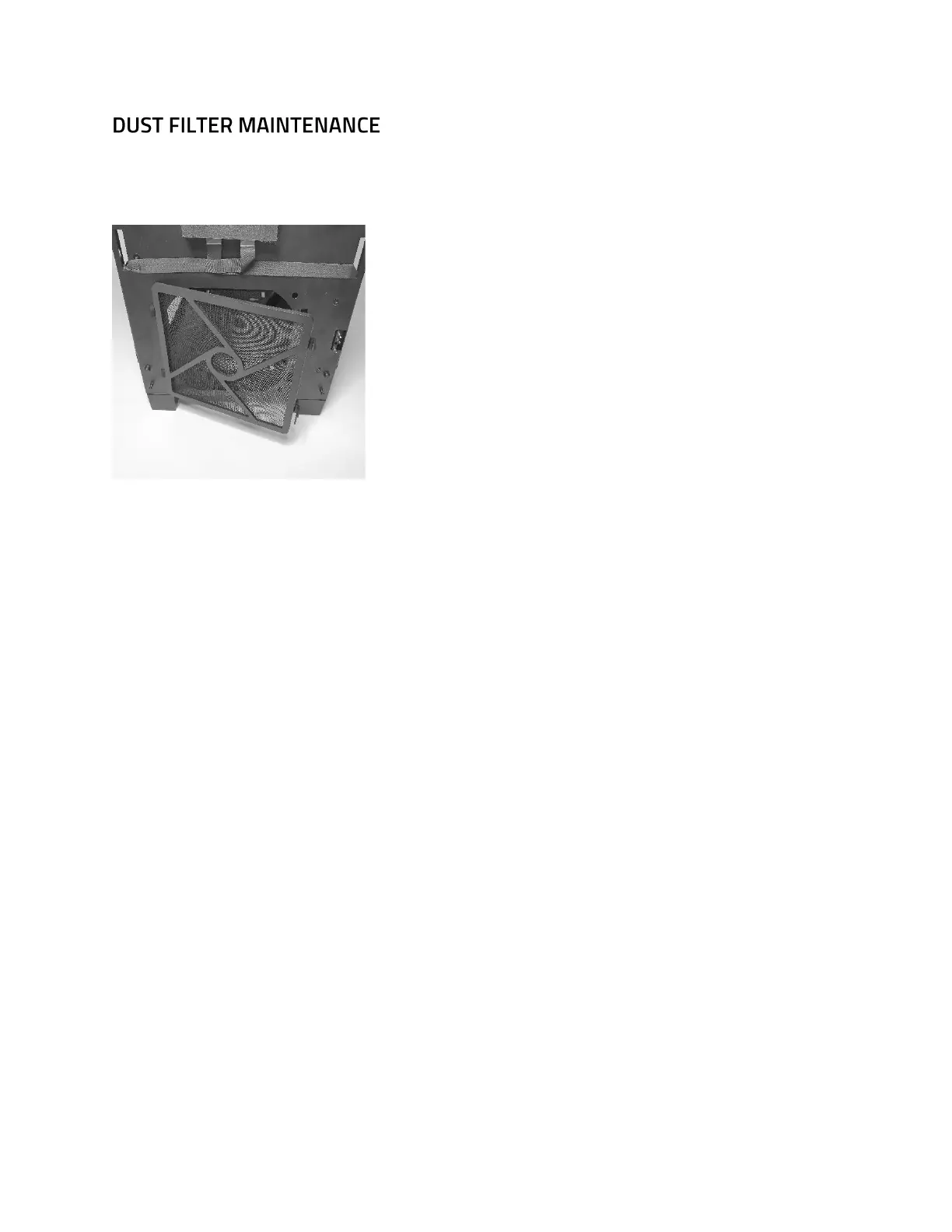
There’s a dust filter located at the front of the inner chassis. Keep your chassis in optimal
temperature by cleaning this dust filter as often as possible.
Place the storage drive on the tray and then insert the included screws from the bottom if you
are using a 2.5” or from the sides if you are using a 3.5” drives.
Detach the 2.5” drive plate located at the left side of the chassis by removing its screw and
sliding it up.
Place the 2.5” drive on the plate, then insert the included screws from the bottom.
There are dust filters located at the top and bottom of the chassis.


 To Previous Page