Works with Xbox One, Xbox One X,
Xbox One S, and Xbox One Elite
(Series 1) controllers
Works with Xbox Series X|S
controllers
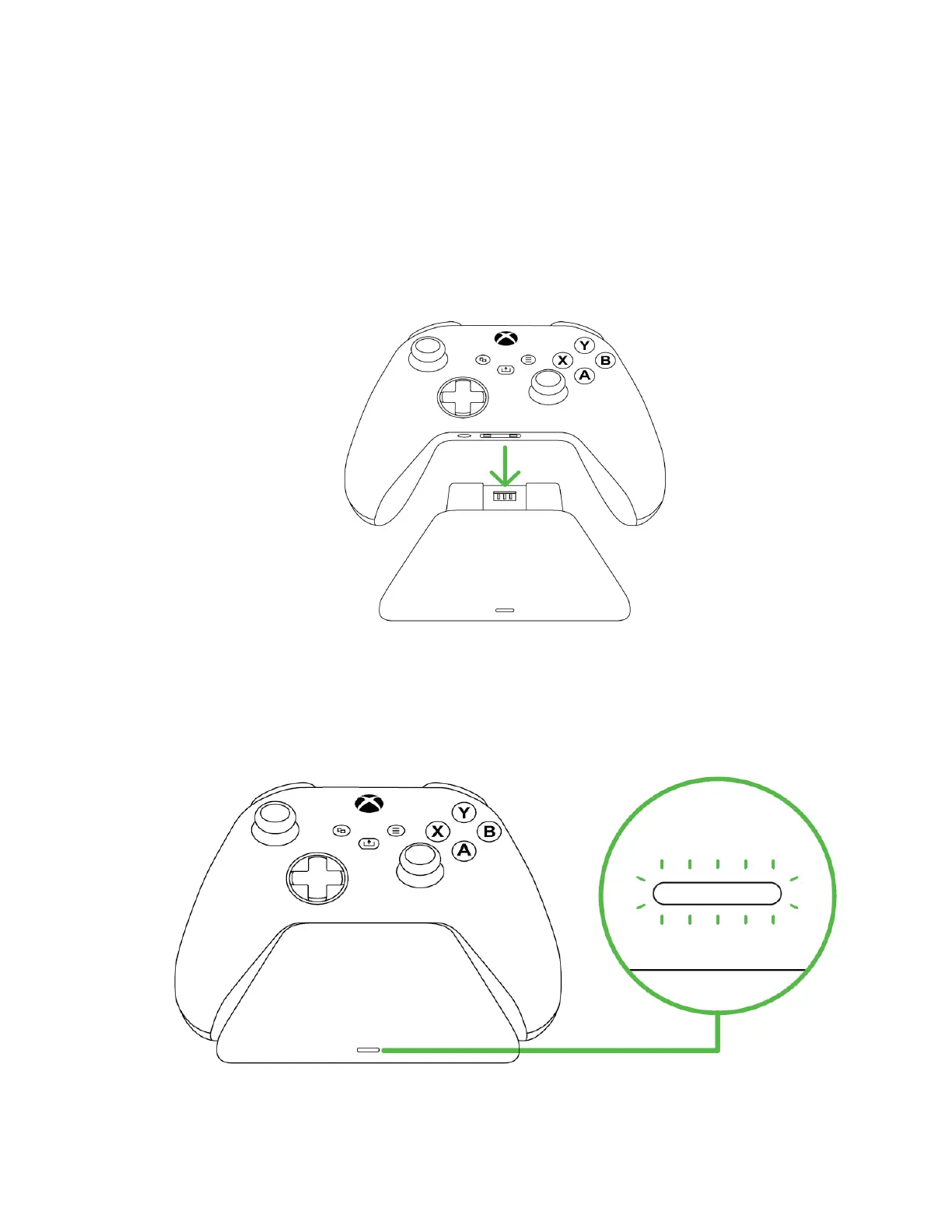
3. Place the Xbox controller on the charging stand. The status indicator will turn orange to
indicate that the controller is charging.
4. Wait for the controller to finish charging. Once fully charged, the status indicator will turn
white.



 To Next Page