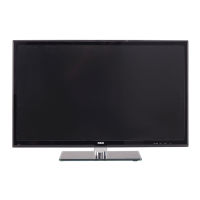
TV55LA55R120QispackagedwiththeTVstandseparatedfromthecabinet.TosetuptheTVtablestand,pleasecarryoutthe
installationaccordingtotheinstructionsbelow.
Step One
Place the TV faced down on a soft cloth or cushion to prevent the LCD panel from being damaged.
The LCD panel can be scratched easily, so please:
1. Choose an absolutely flat surface to place the TV on. Use soft cloth or cushion to face the TV panel. Do not put TV on the
table directly.
2. Always unplug the AC cord first when installing/removing the stand.
Step Two
Take out the stand and insert the stand into the installing slot in the lower part of the TV, then put the stand to relevant position of
the TV set until all the holes match each other completely.
Step Three
Insertsix M4 machine screws (allsame in size) and tighten them.
Please refer to the picture given below:
Pedestal Screws Quantity
M4 x 10mm 6pcs
Part #
RS01PM41OH
.......... r
9



 To Next Page
 Loading...