Using Your TV and Remote
With VCRs: Basic Operation
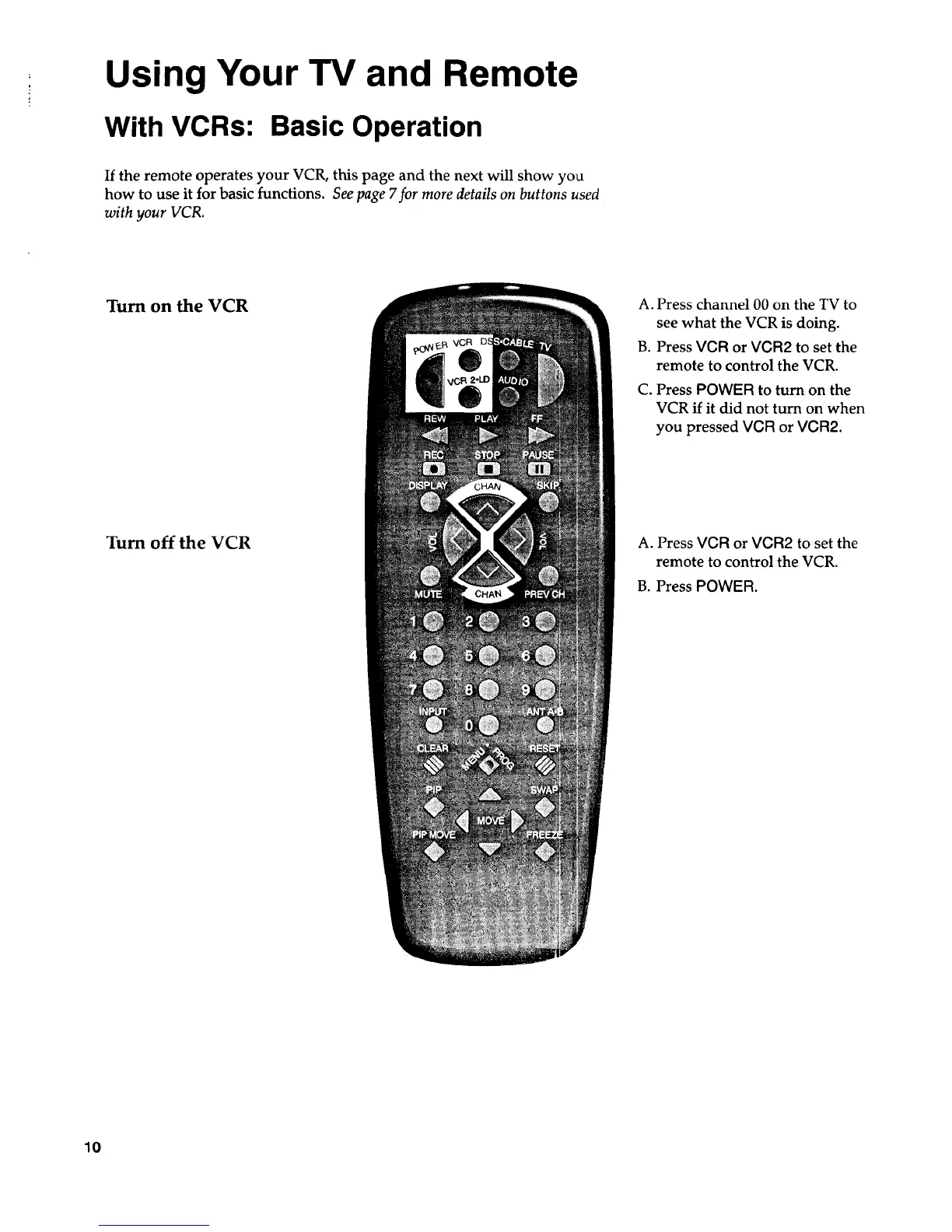
If the remote operates your VCR, this page and the next will show you
how to use it for basic functions. See page 7for more details on buttons used
with your VCR.
Turn on the VCR
Tum off the VCR
A. Press channel 00 on the TV to
see what the VCR is doing.
B. Press VCR or VCR2 to set the
remote to control the VCR.
C. Press POWER to turn on the
VCR if it did not turn on when
you pressed VCR or VCR2.
A. Press VCR or VCR2 to set the
remote to control the VCR.
B. Press POWER.
10



 To Next Page