Using Advanced Features
Watching Picture-in-Picture
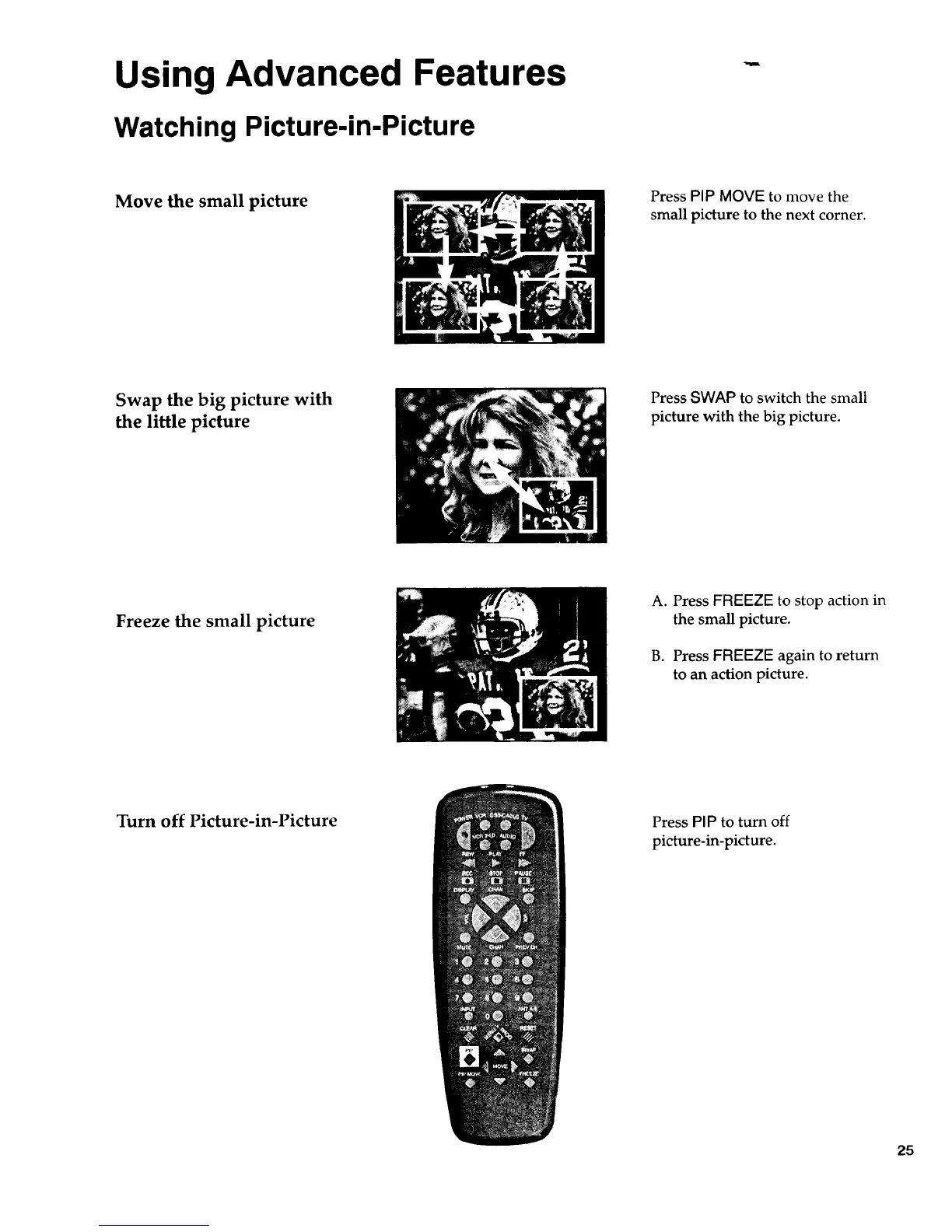
Move the small picture
Press PIP MOVE to move the
small picture to the next corner.
Swap the big picture with
the little picture
Press SWAP to switch the small
picture with the big picture.
Freeze the small picture
A. Press FREEZE to stop action in
the small picture.
B. Press FREEZE again to return
to an action picture.
Turn off Picture-in-Picture Press PIP to turn off
picture-in-picture.
25



 To Next Page