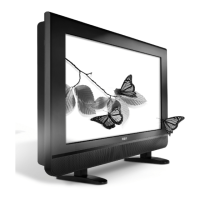
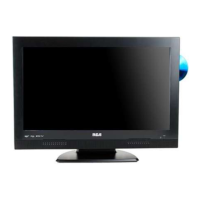
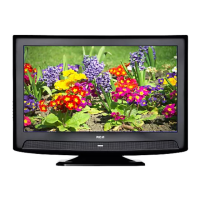
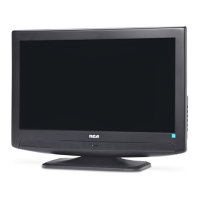
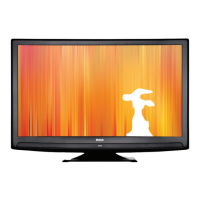
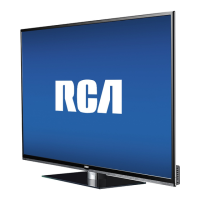
26’’ LCD TV RCA L26WD23
1. If necessary, connect your cable and/or off-air antenna as described.
2. Connect your monitor cable. Connect one end of a 15-pin monitor cable to the VGA INPUT jack on the TV and
the other end to the PC's video output jack. Note, if your PC's video output isn't 15-pin, you'll need an adapter that
can connect to a 15-pin monitor cable.
3. Connect your audio cable. Connect a 3.5 mm stereo mini pin cable (sometimes referred to as 1/8" stereo mini
pin) to the VGA AUDIO INPUT jack on the back of the TV and the other end to the Audio Output jack on the PC.


 To Next Page
 Loading...