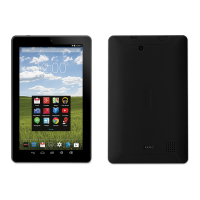
EN - 13
Turning Your Tablet On for the First Time
When using the tablet for the first time, you will be required to setup the following:
1. Select the language, then tap Start .
2. Set the Wi-Fi.
3. If you have a Google Account, select "Yes".Then tap a network name to see more
details or connect to it, and enter a password if necessary.
When prompted, sign in using the email address and password for your Google
Account. If you don’t have one yet, go ahead and create one.
4. Follow the onscreen instructions to setup the tablet.
First Time Operation
Basic Operation
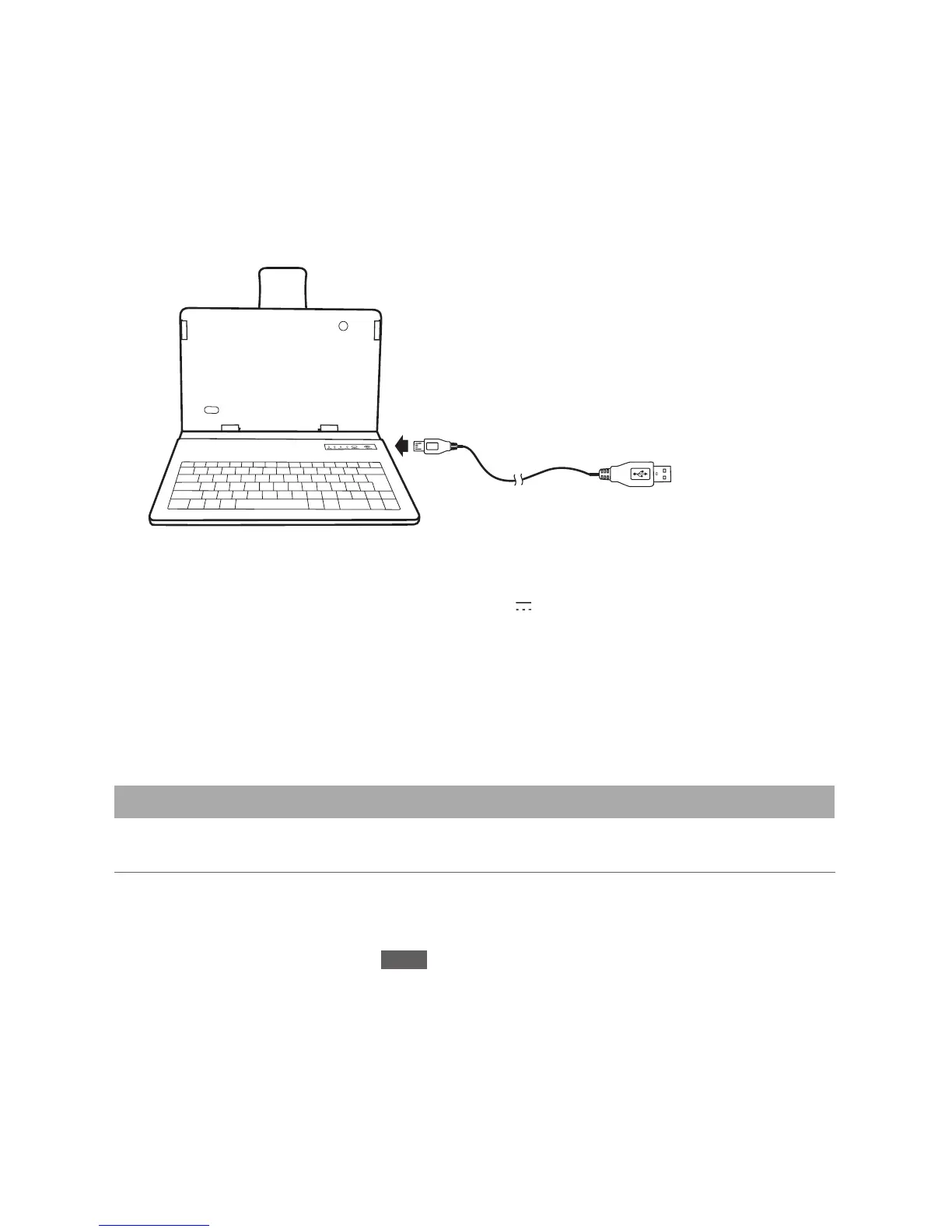
1. The keyboard must be charged using the supplied USB cable. The cable can be
connected to a computer USB port or a USB power adapter (not included) to charge
thekeyboard.
Using the Keyboard
4. Tap the BT Keyboard-RCA 10.1" Tablet device name on the screen and follow the
Bluetooth pairing request information to type the number on the Keyboard, then
press ENTER.
2. Once initially paired to the tablet, the keyboard will automatically connect itself to the
tabletwhen the tabletand keyboard are turnedon, with the tablet'sBluetooth function
turned on.
3. Toconservebatterylife,slidethekeyboard'spowerswitchOFFwhennotinuse.
To Micro USB port
USB cable
(included)
To a computer
or a USB power
adapter (not
included)
Note: MakesurethatyourUSBpoweradaptermatchestheMicroUSBpower
specicationsshownontheKeyboard:DC5V
500mA.



 To Next Page
 Loading...